

Description
Film, not a filter.
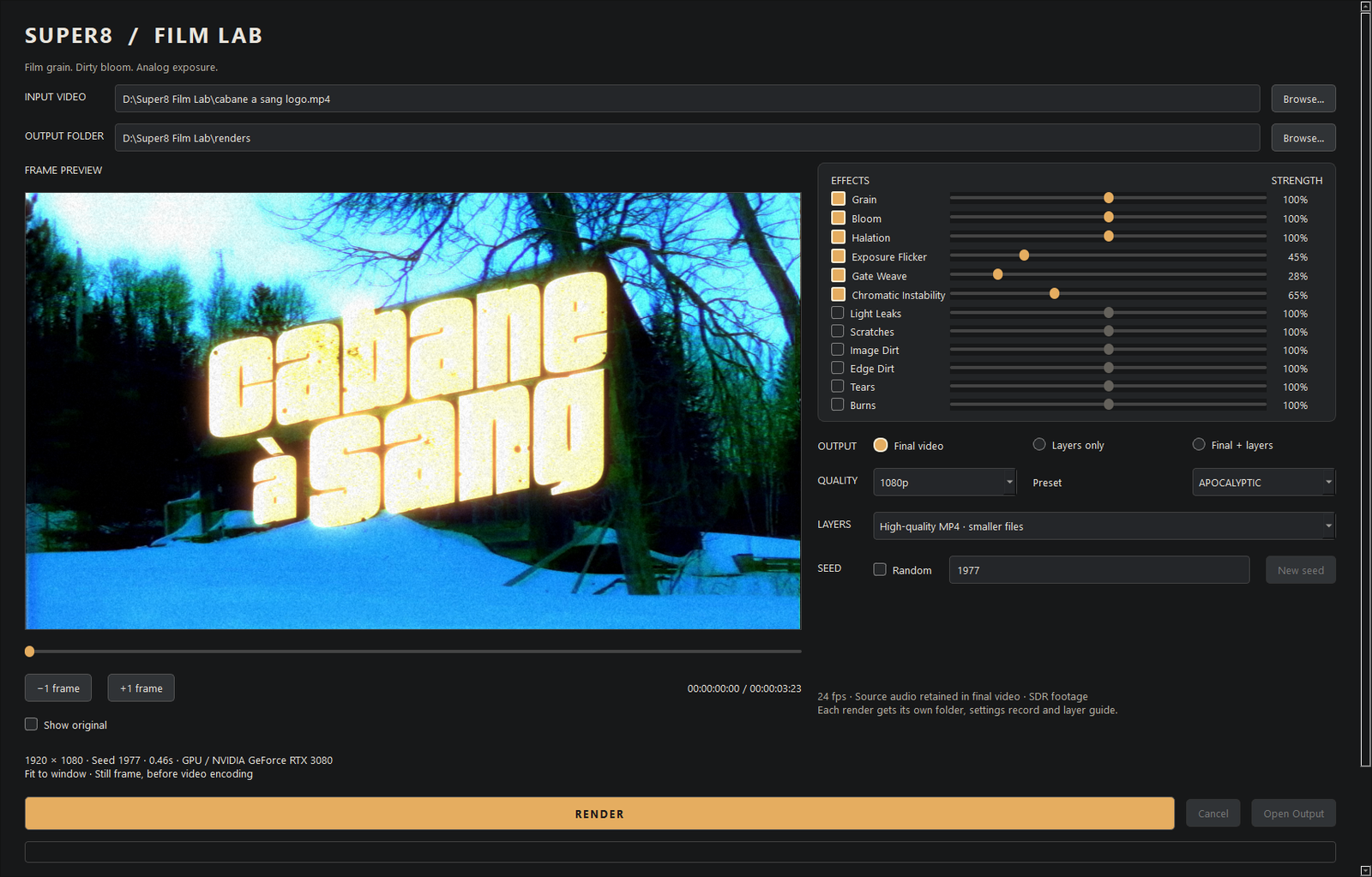
Super8 Film Lab treats your footage like a strip of small-gauge film. Grain is built at delivery size, bloom and halation are driven by the light in your own shot, and exposure flicker, gate weave and chromatic drift move the way a projector does. Three presets (LIGHT, MEDIUM, APOCALYPTIC) set the strength; every effect has its own switch and slider.
Scrub, compare, render.
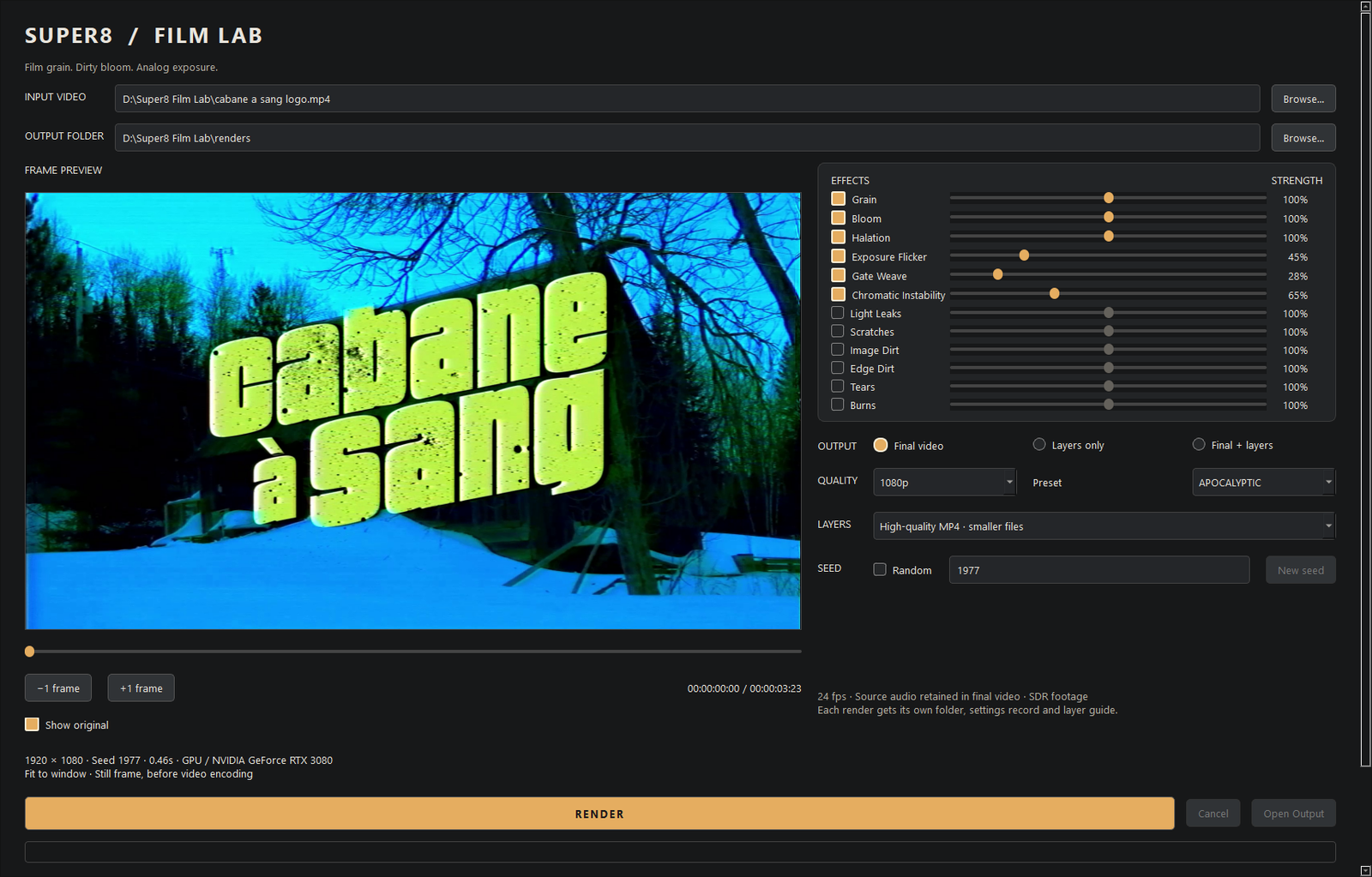
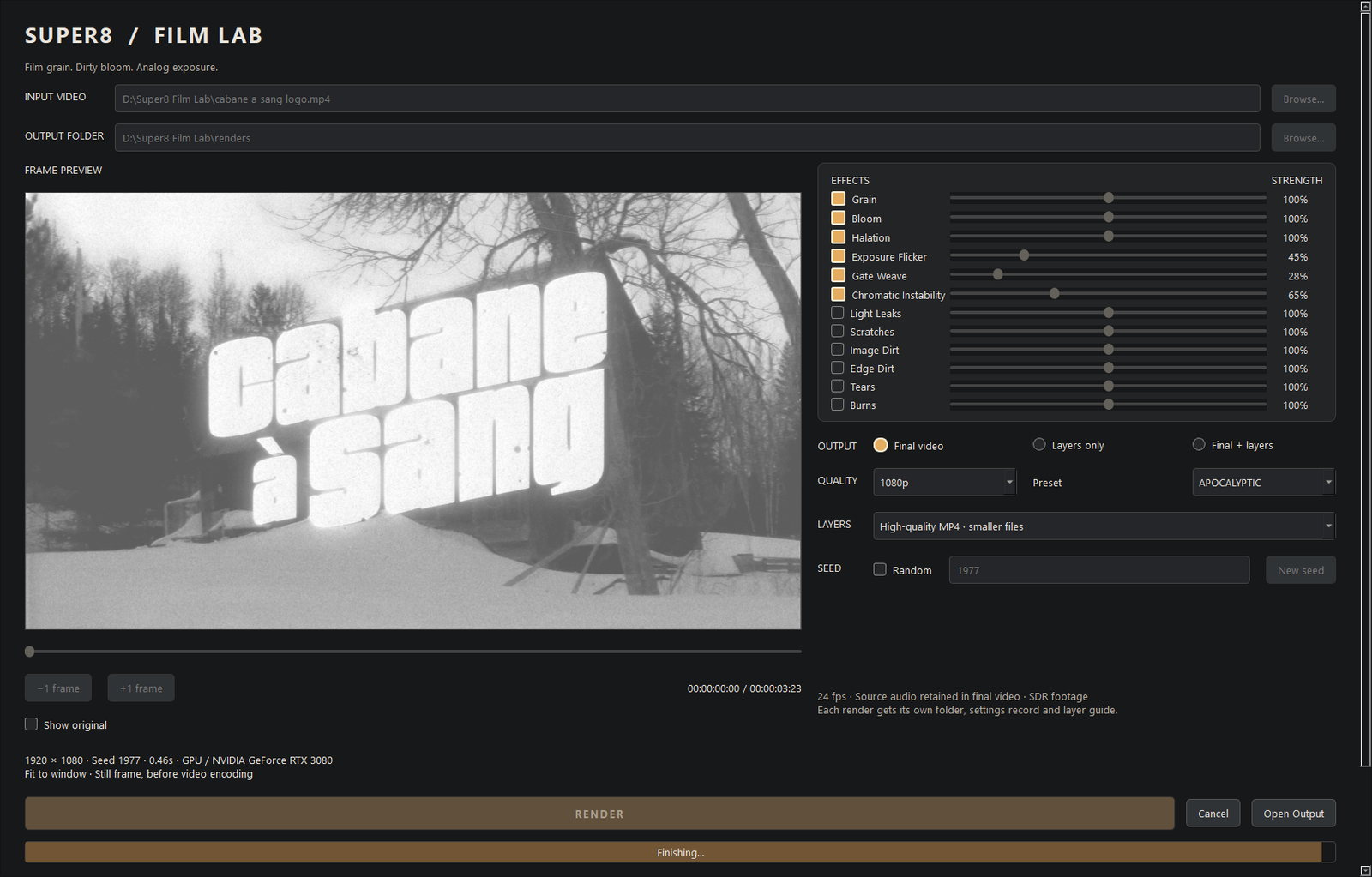
Load a video and the first frame appears in the preview. Drag the timeline to any moment, step a frame at a time, flip Show original to compare, pick a seed you like. Render writes a 24 fps MP4 with your audio, at 1080p, source resolution or 4K. Progress and time remaining show while it works; Cancel stops after the current frame.
Layers for your editor.
Choose Final + layers and every pass is exported as its own clip: grain, bloom, halation, dirt mattes and a transport layer that carries the gate movement. LAYERS.md in the output folder gives the blend mode and stacking order so you can rebuild or adjust the look in After Effects, Premiere, Resolve or anything else.
Runs on your machine.
Uses your OpenCL GPU when there is one and a compiled CPU path when there is not. Nothing is uploaded, nothing phones home. Renders are not fast: a few seconds of 1080p takes seconds on a good GPU, long clips and 4K take minutes. Budget for it.
Known limits
Edge Dirt and Image Dirt do not combine well with the other effects: the debris is pushed through bloom, halation and grain and tends to turn muddy. Use dirt on its own exported layer, or leave it off. This will probably not be fixed. Physical damage (scratches, burns, tears, light leaks) is the older V1 look and renders on the CPU only. SDR footage only; grade HDR or log material first. Windows only; no macOS build.