SUPER8 FILM LAB
Super8 Film Lab — grain, dirty bloom, halation
A standalone Windows app that renders a small-gauge film look onto any video clip, with every pass available as a separate layer.
The download is the build described on this page. Keep the .exe anywhere; it needs nothing installed.
Content reviewed October 19, 2026Windows 10 / 11 x64 · one .exe, nothing to install · build 3.3.2 (2026-10-19) · OpenCL GPU with CPU fallback · no macOS build
Everything here is pay what you can, from $0 up. The price shown is a suggestion. Paying is how you show appreciation for the builds — and it is what keeps me building more.
THE SLIDING SCALE
- BROKE / STUDENT — take it for $0, no guilt. Make something.
- WORKING — the suggested price says thanks and keeps the lights on.
- THIS PAYS YOUR BILLS — pay more and fund the next build.
SCREENSHOTS
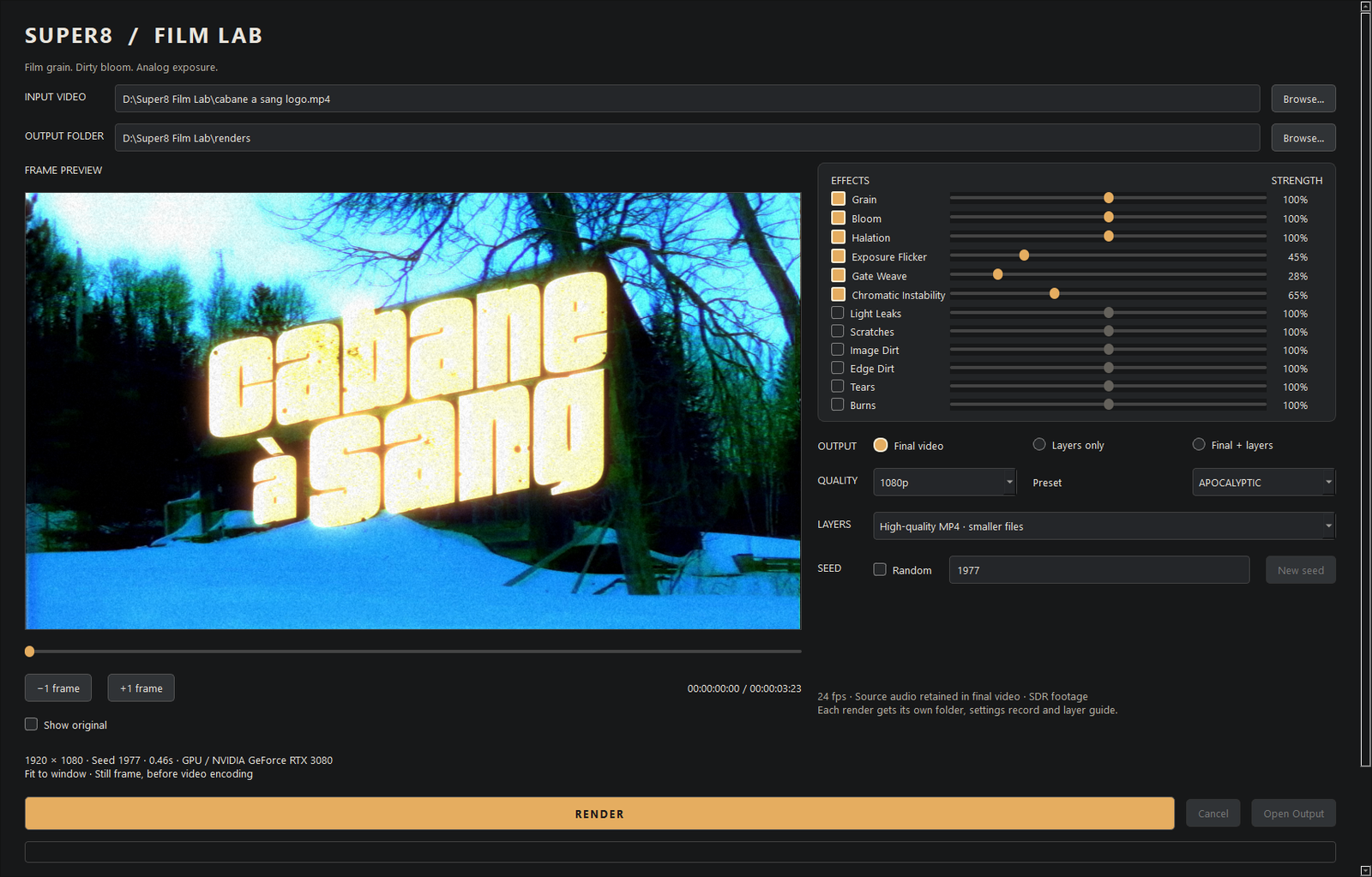
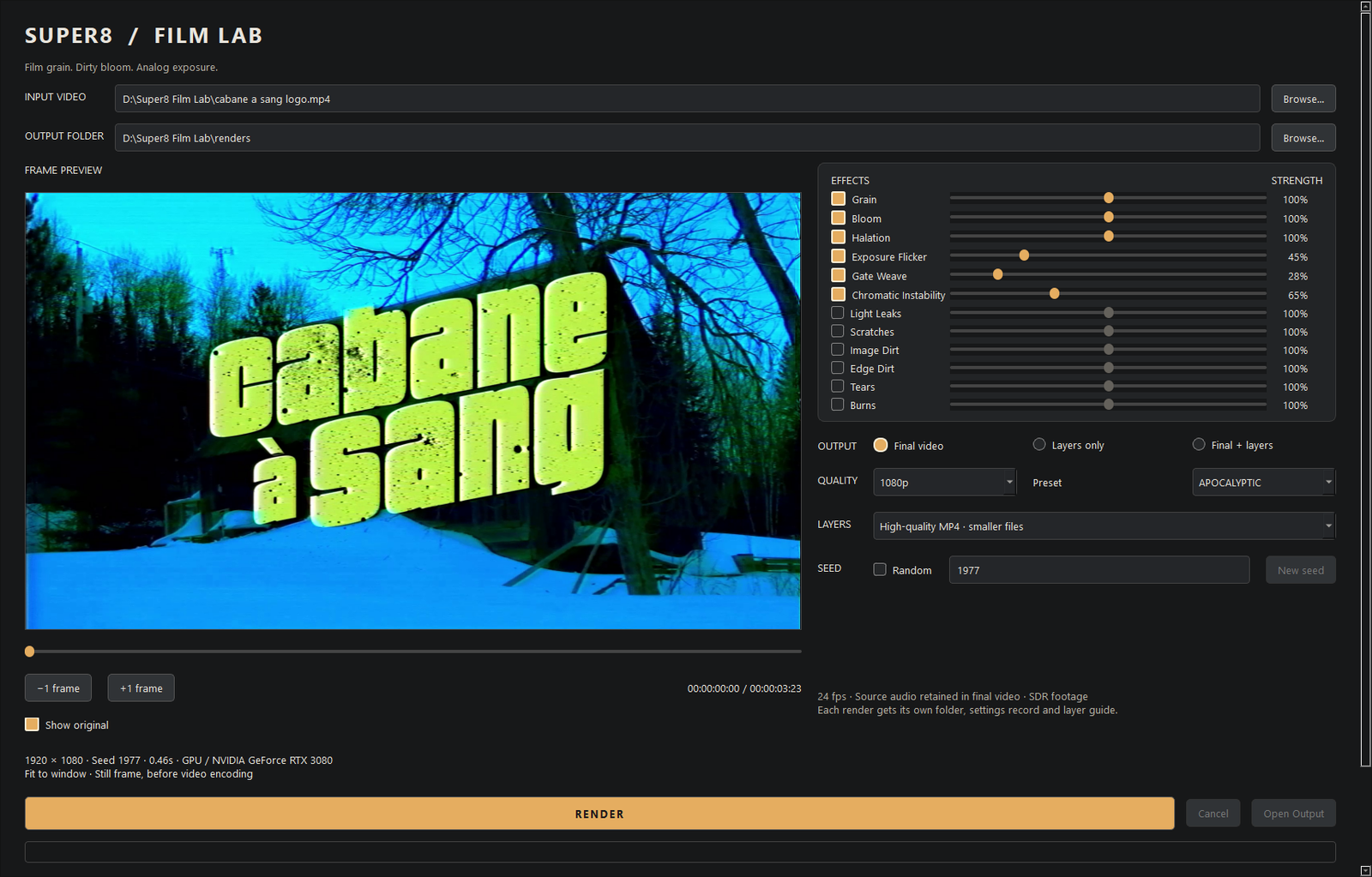
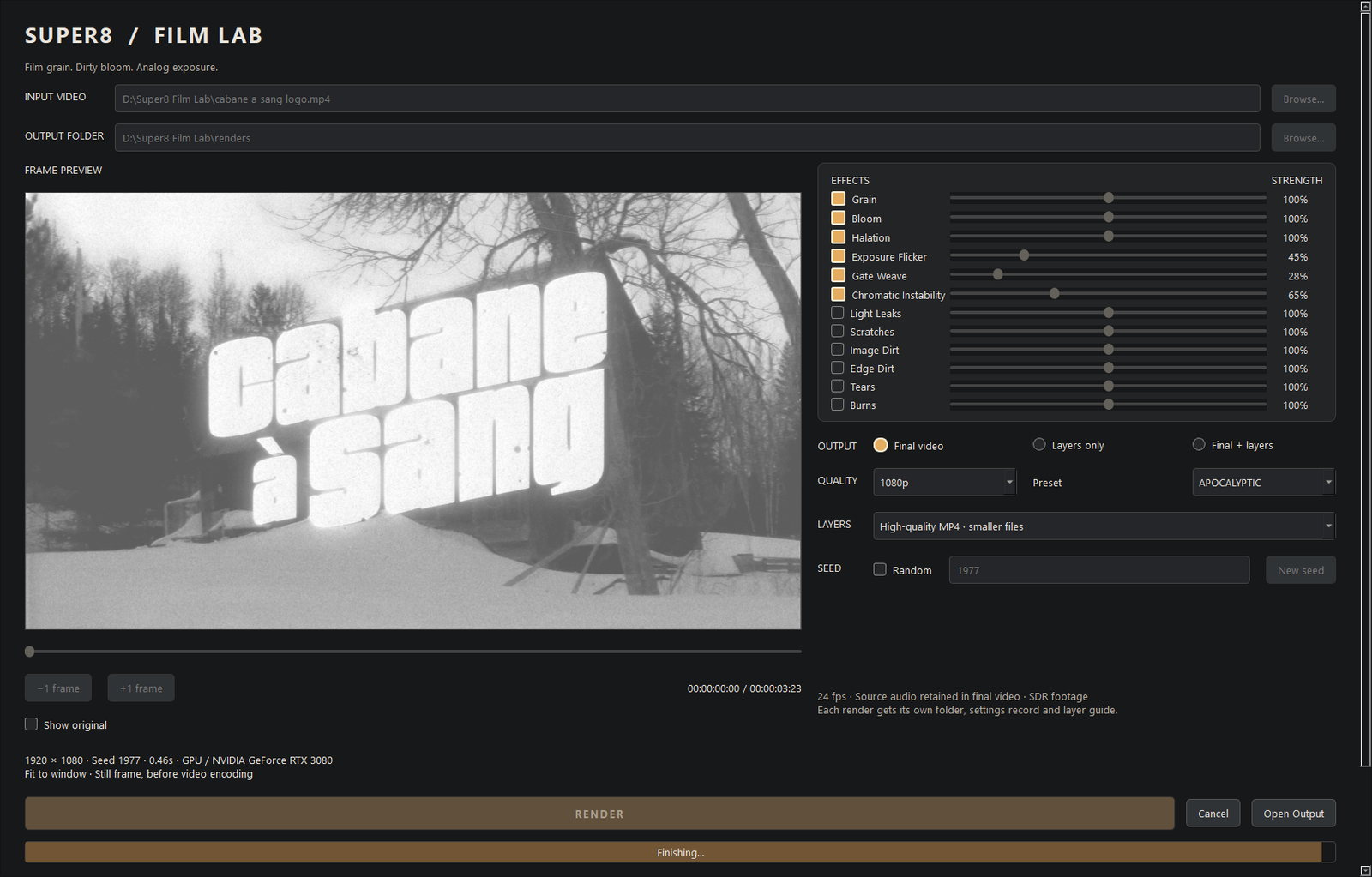
These images show the current Desk interface with synthetic demonstration data. They illustrate the UI, not completed native acceptance testing. Gantt images show a separate prototype.
LOOKBOOK
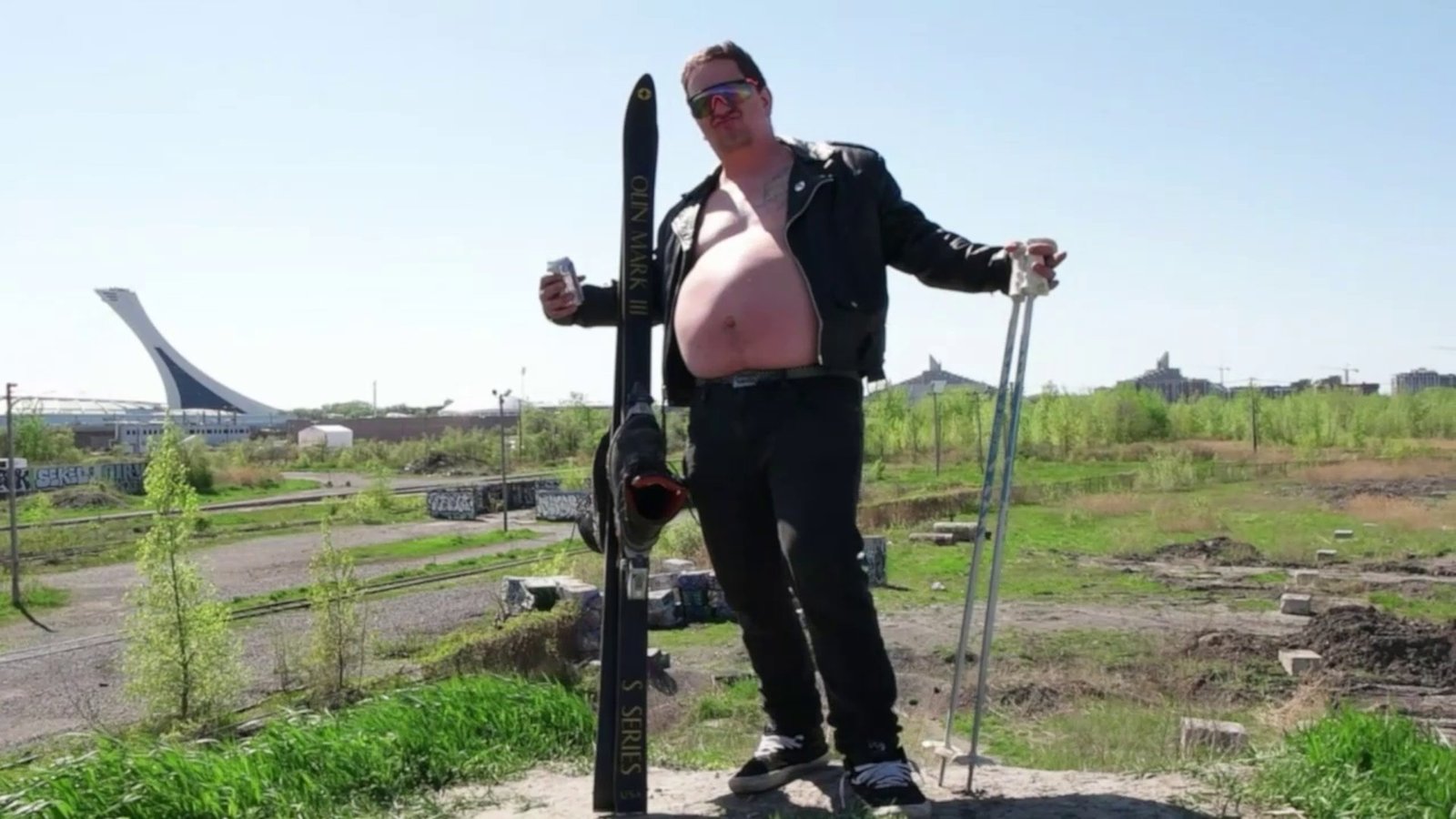
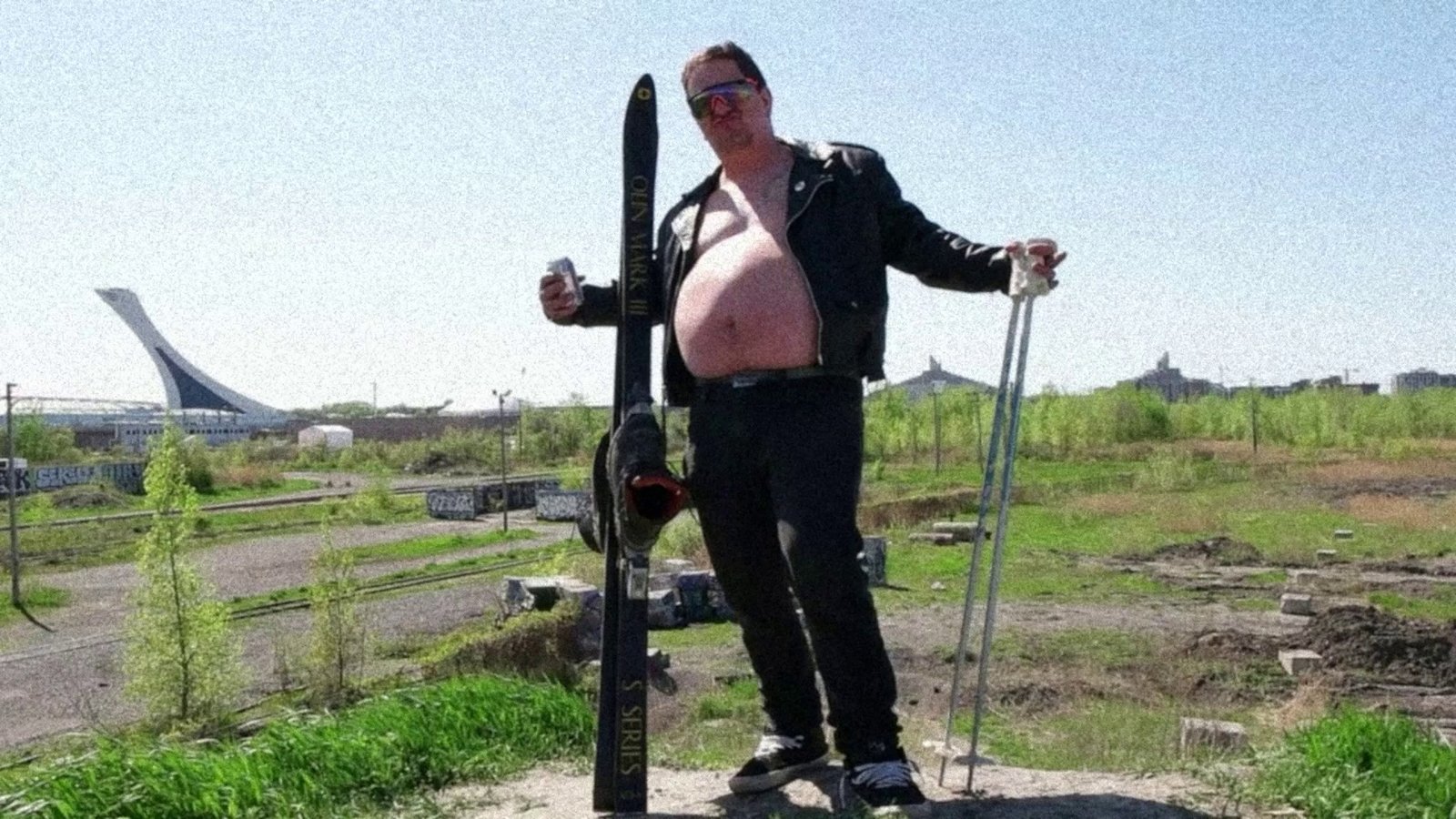
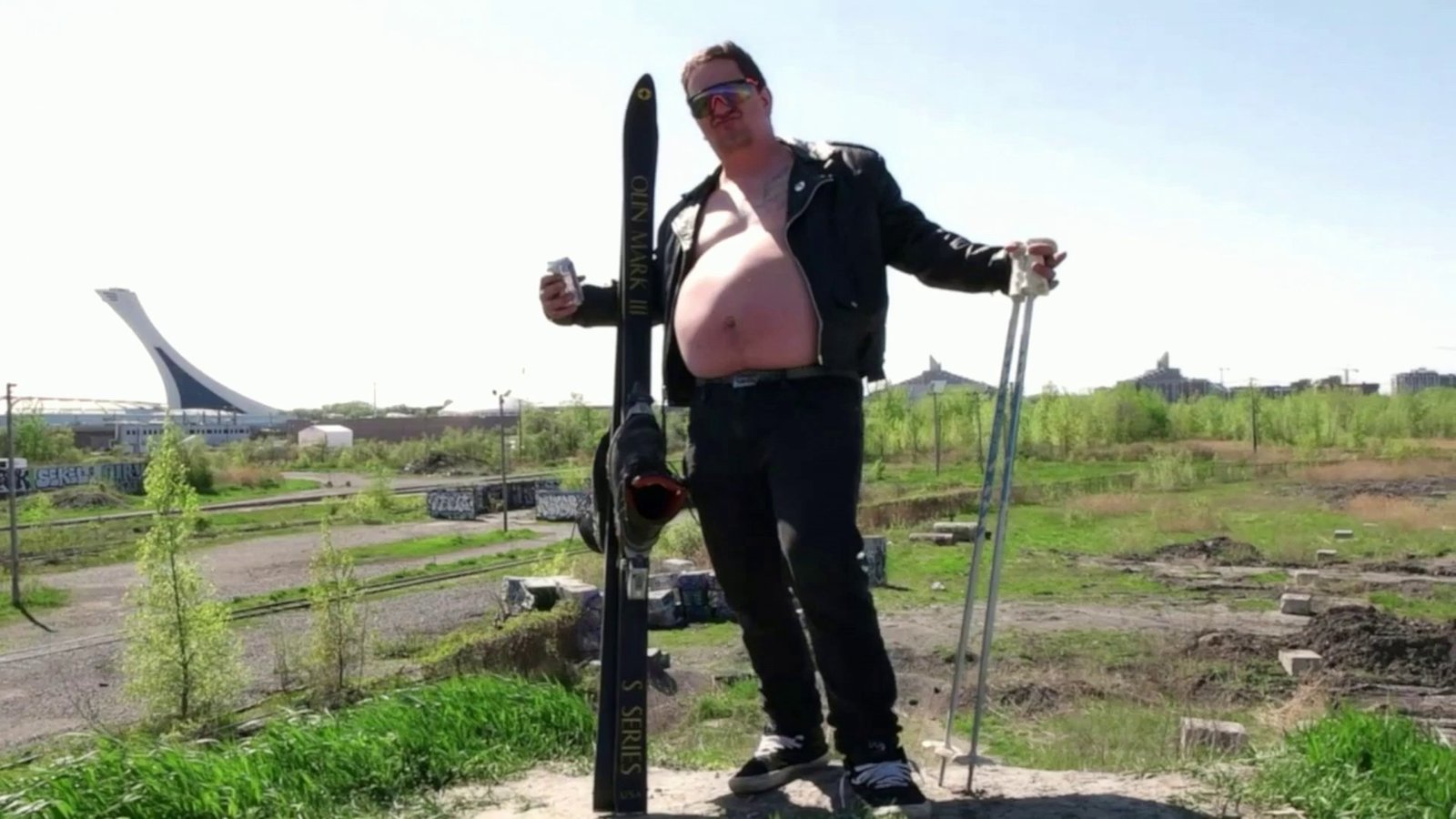
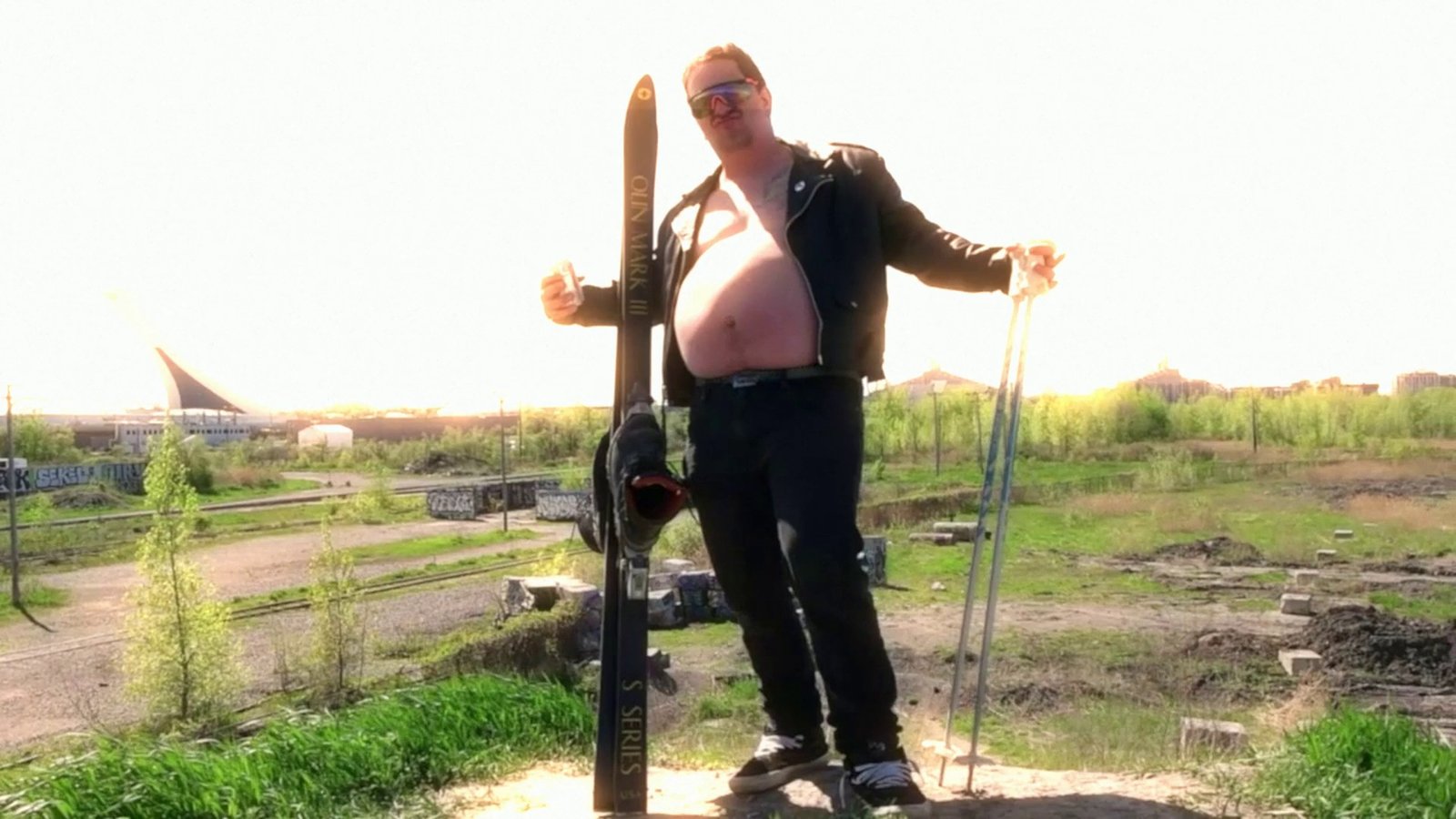
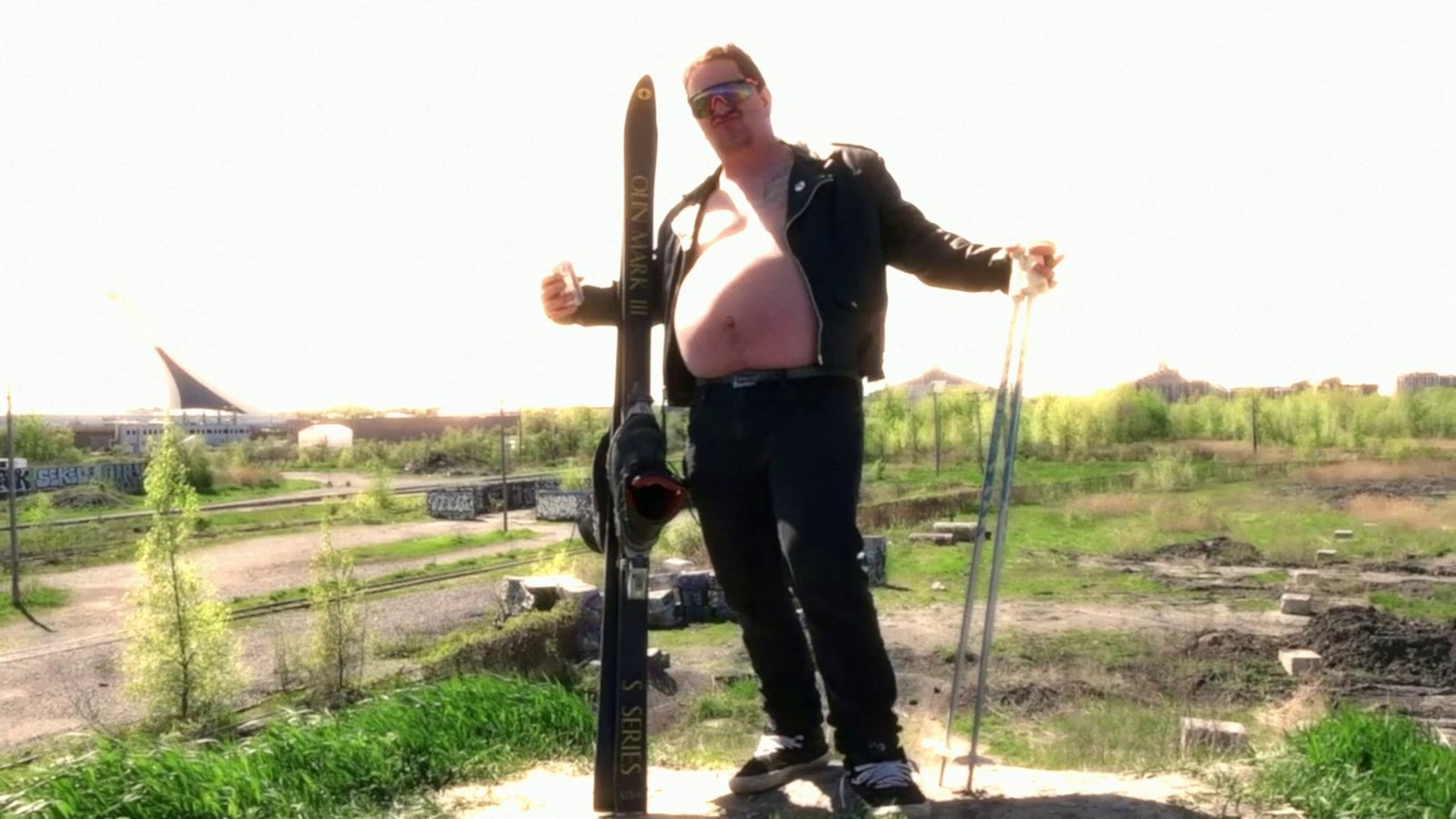
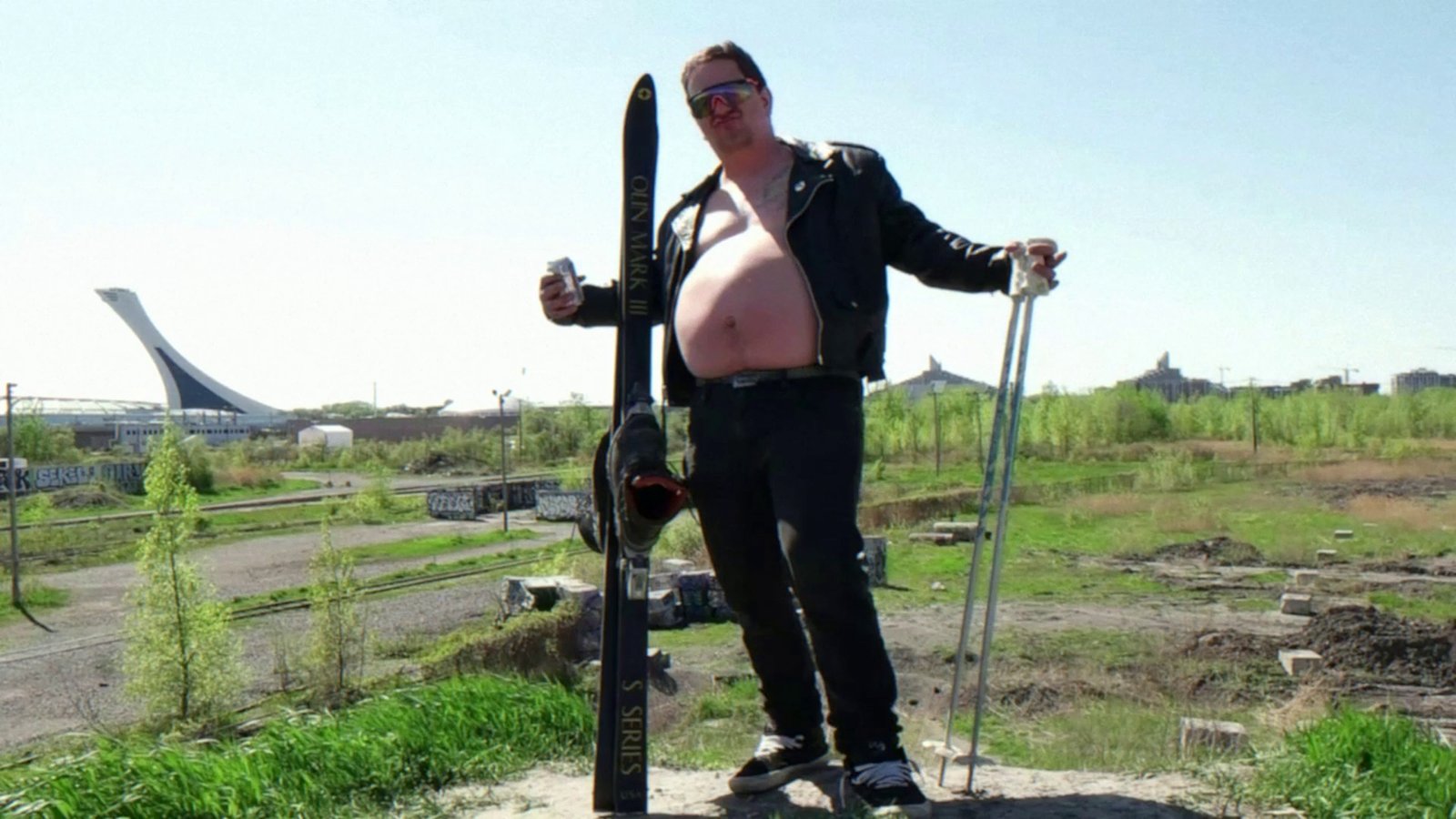
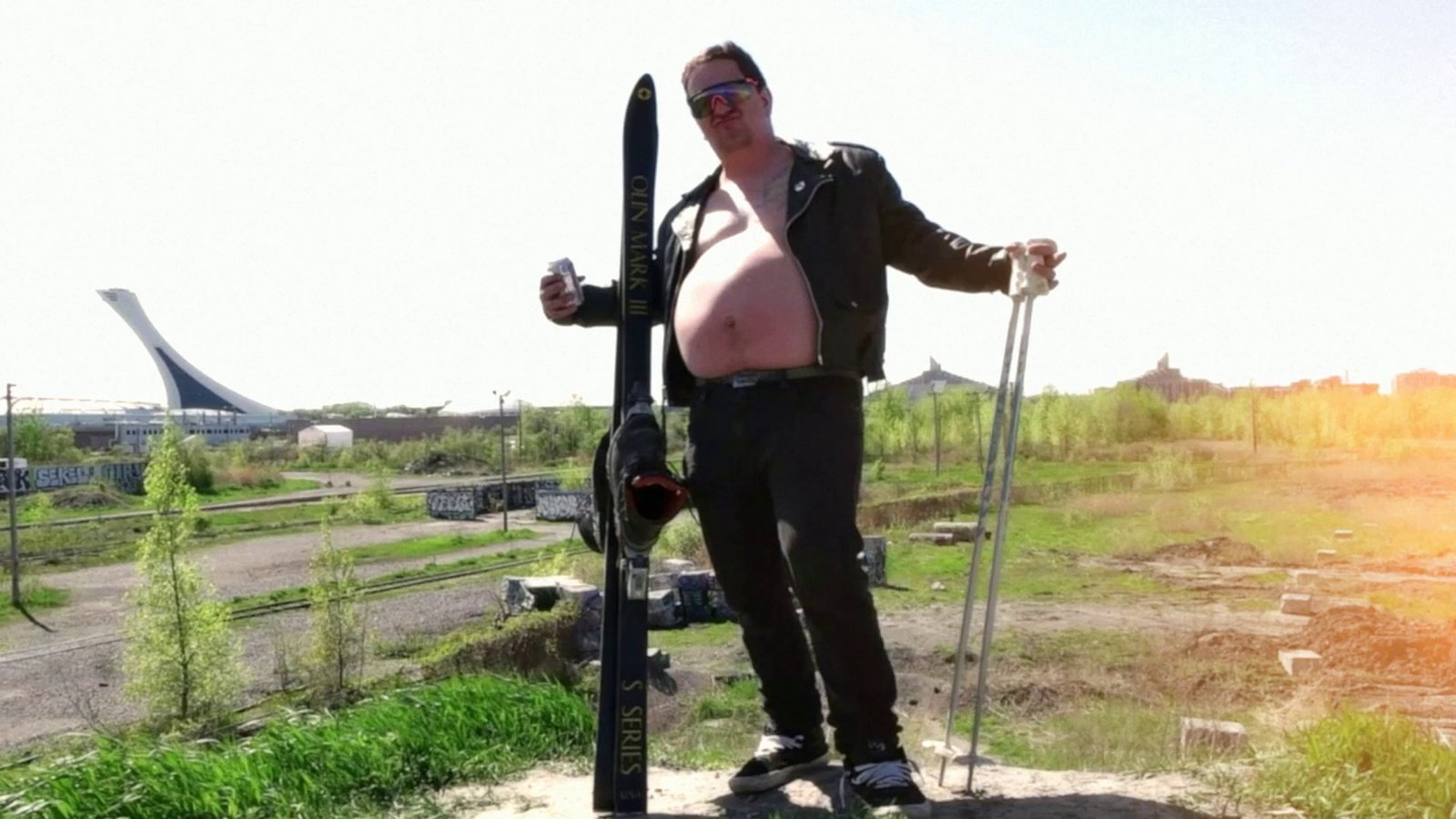
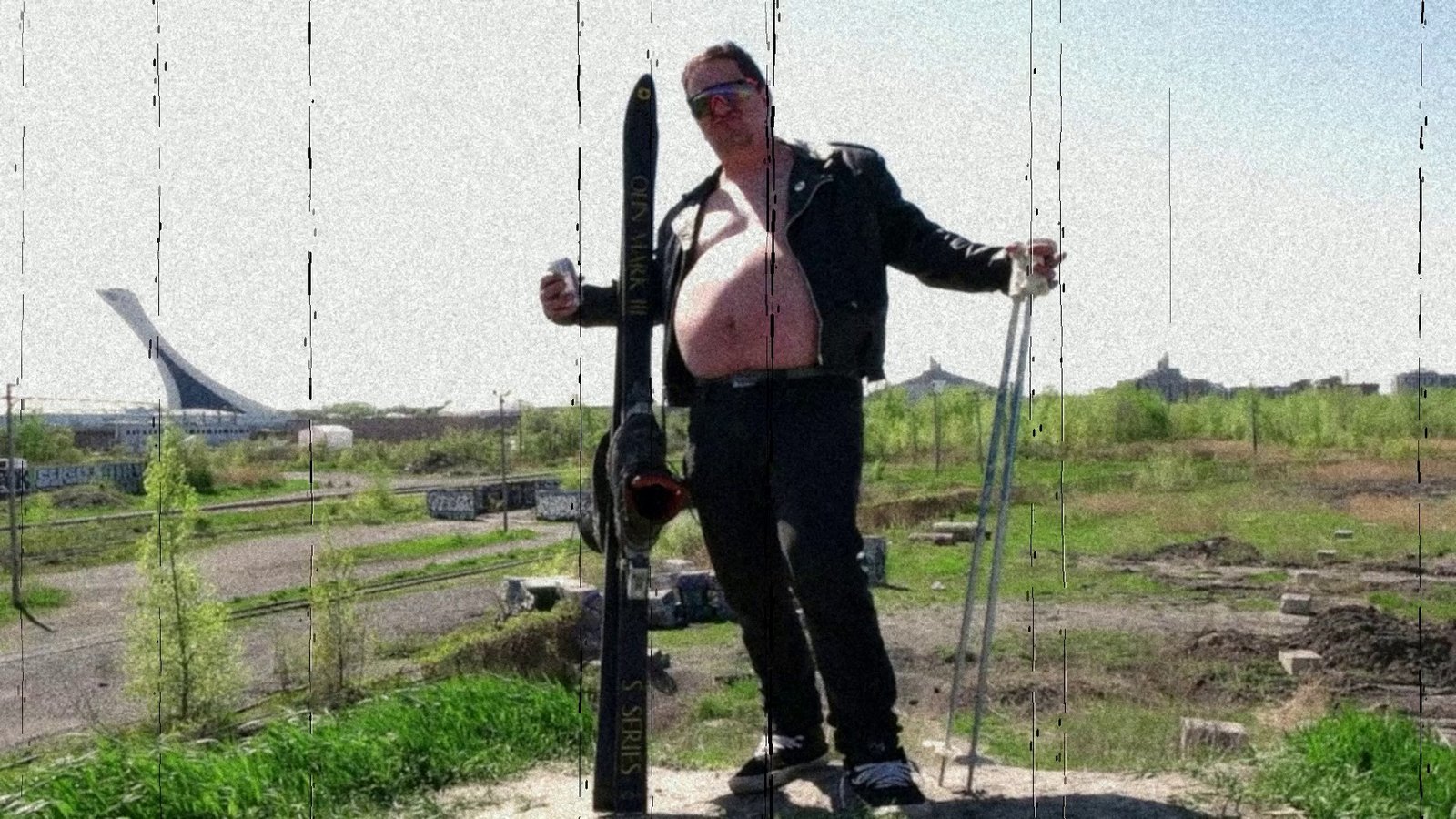
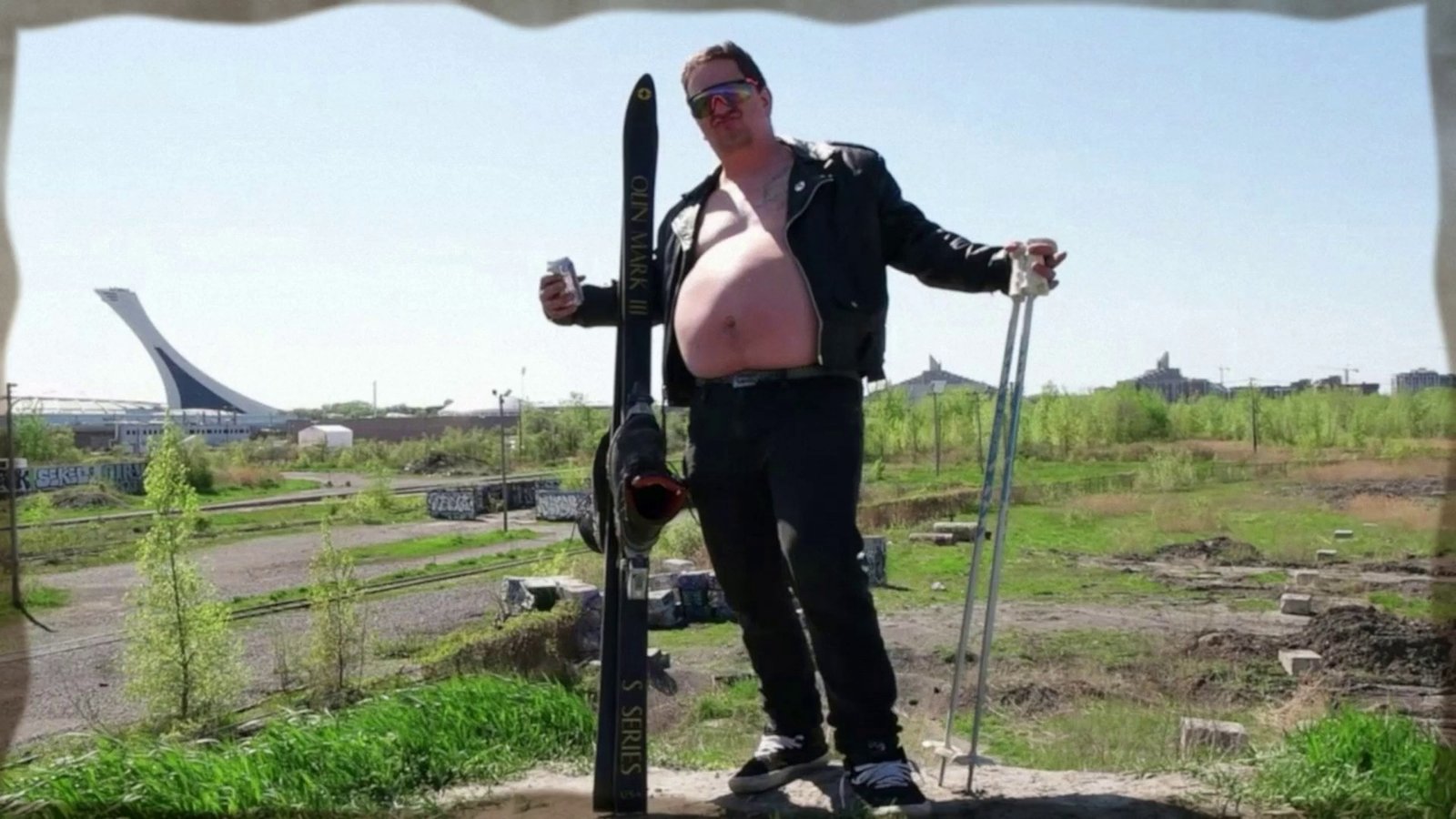
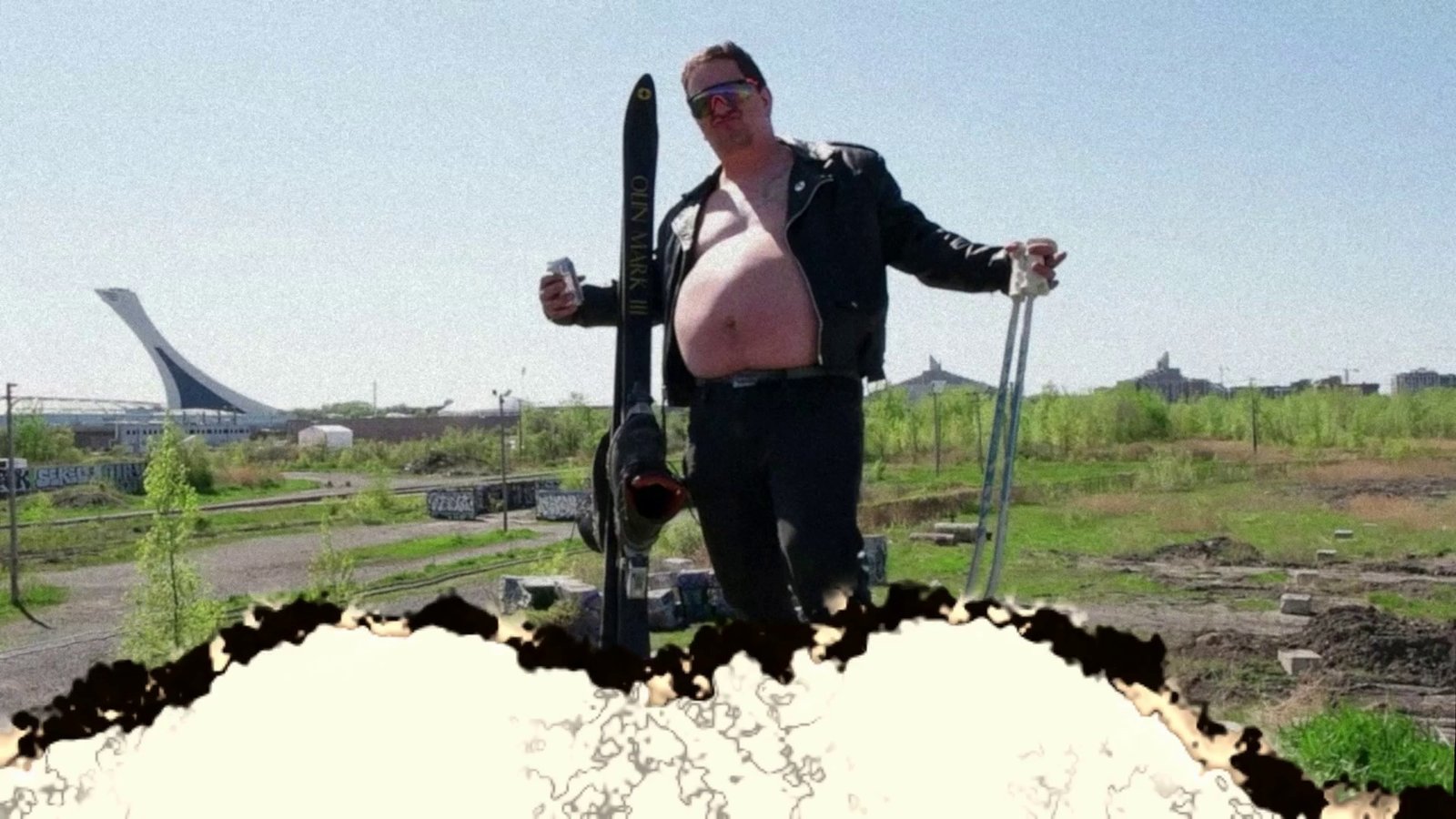
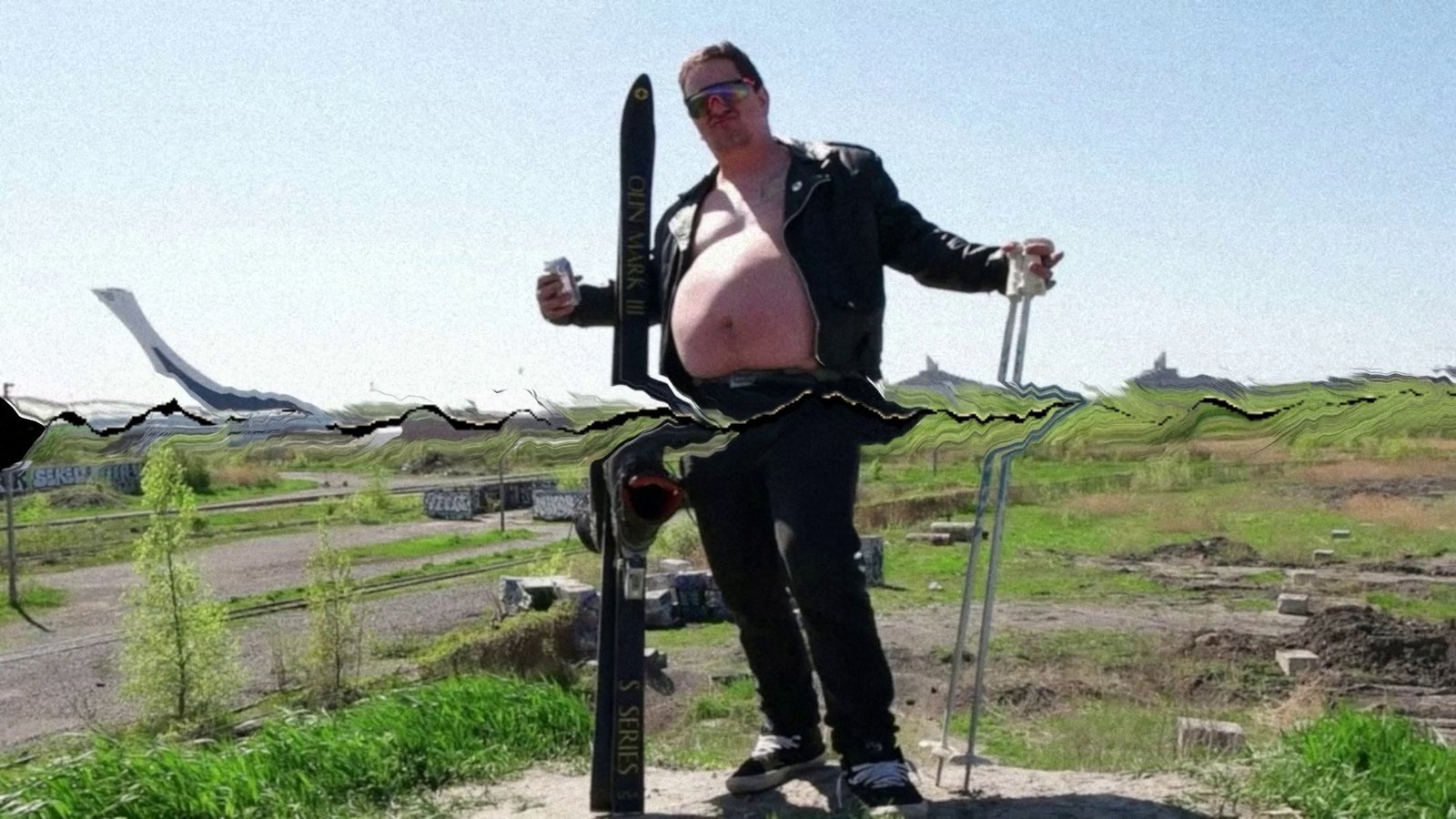
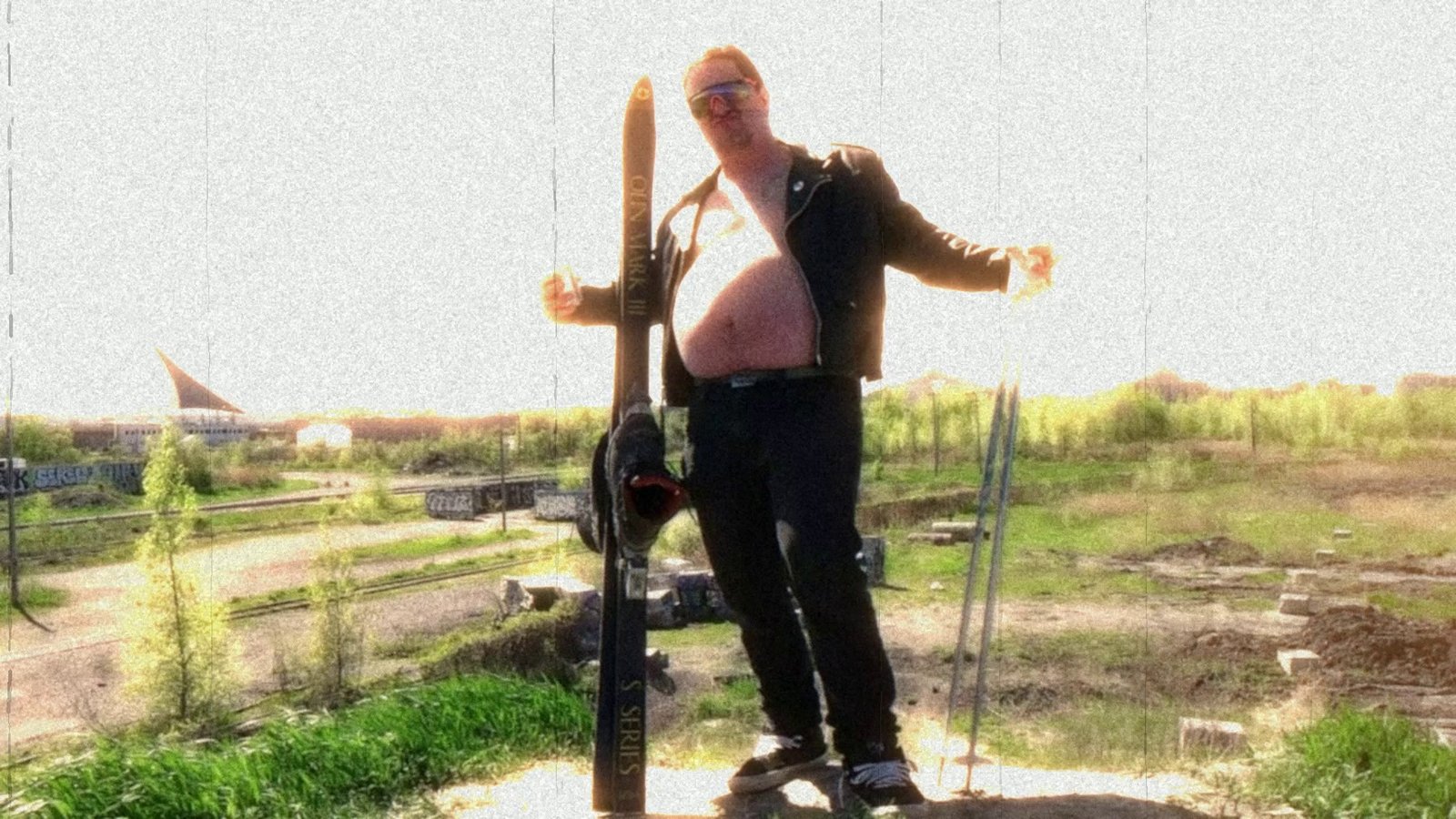
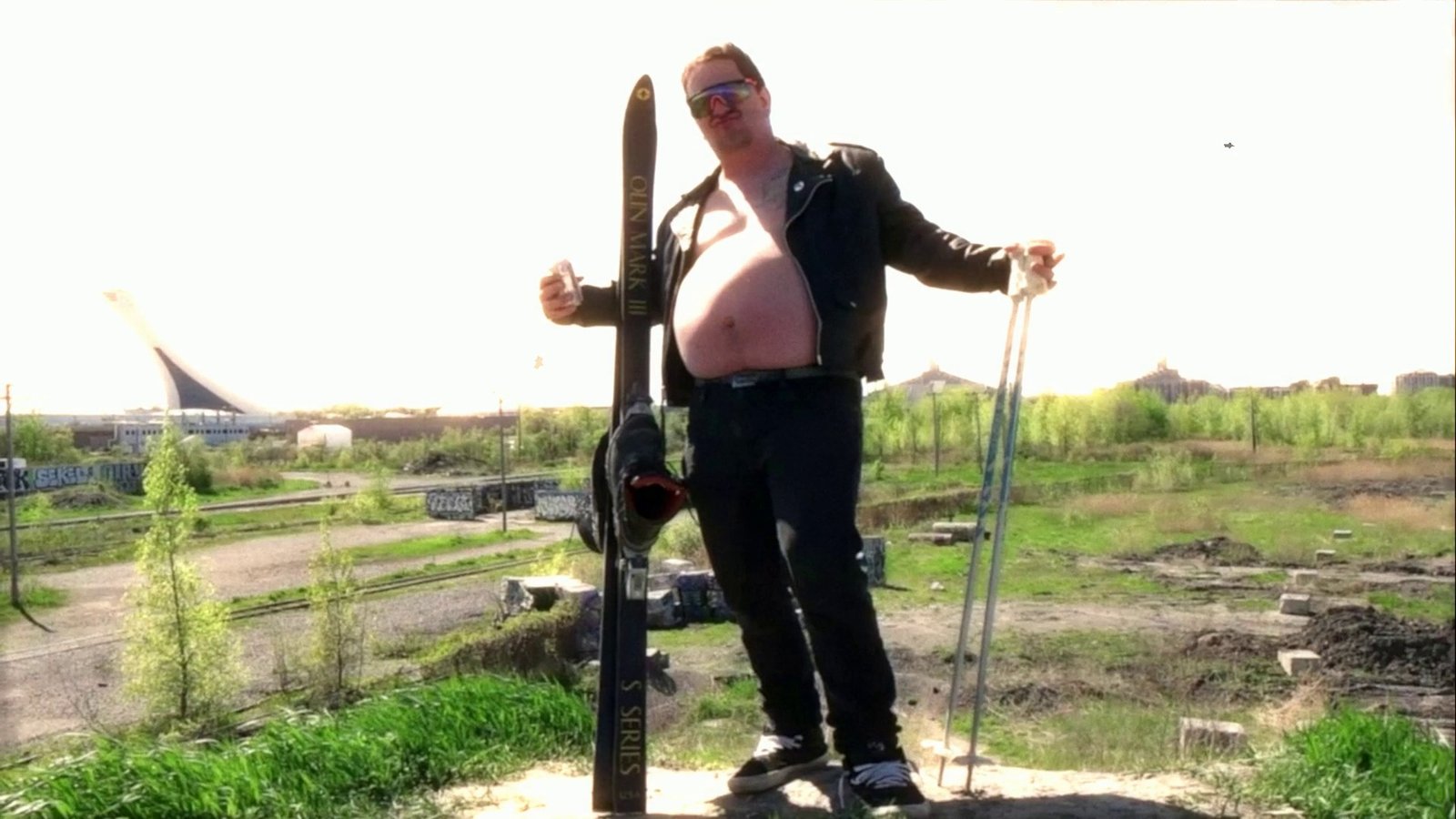
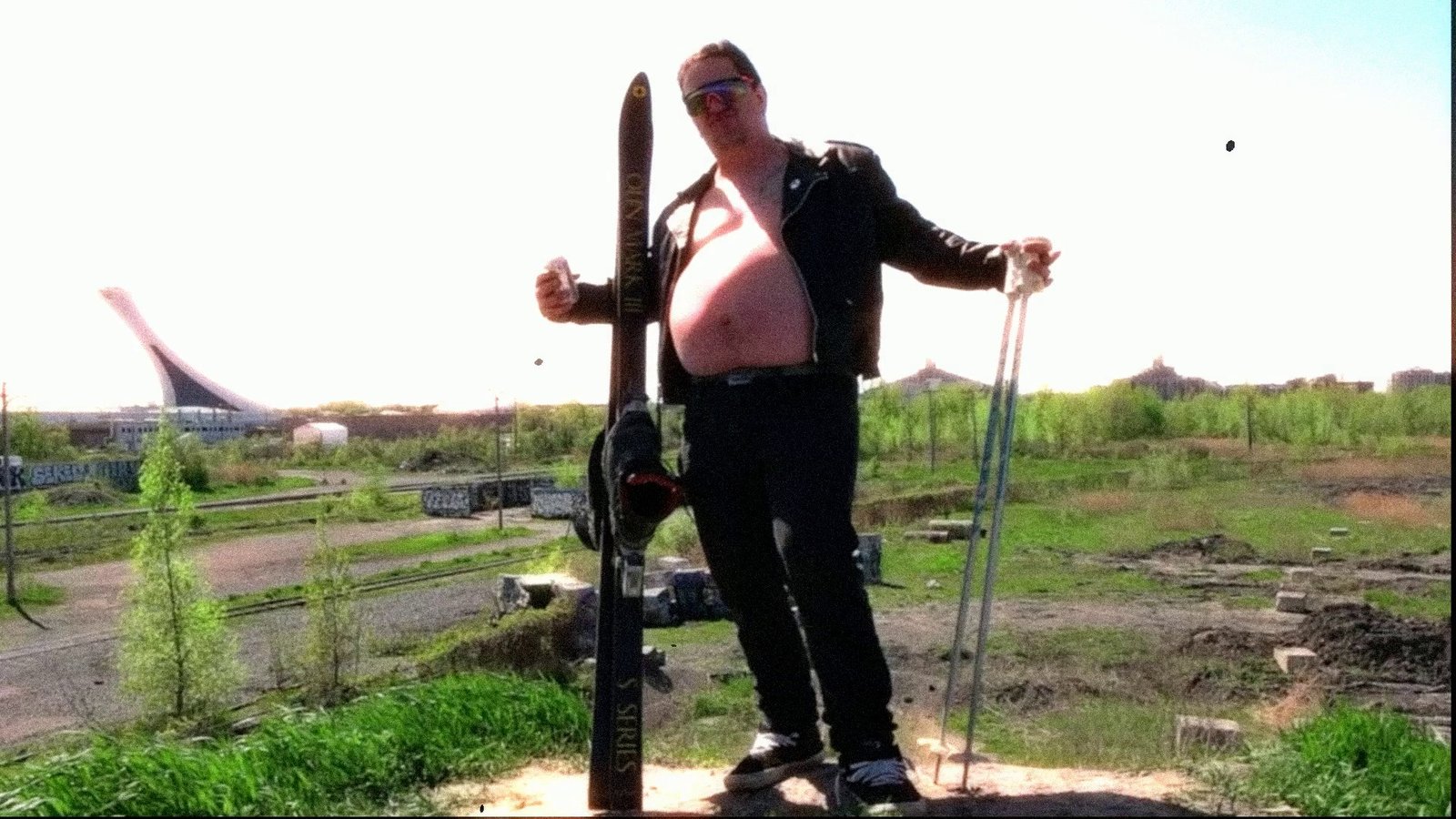
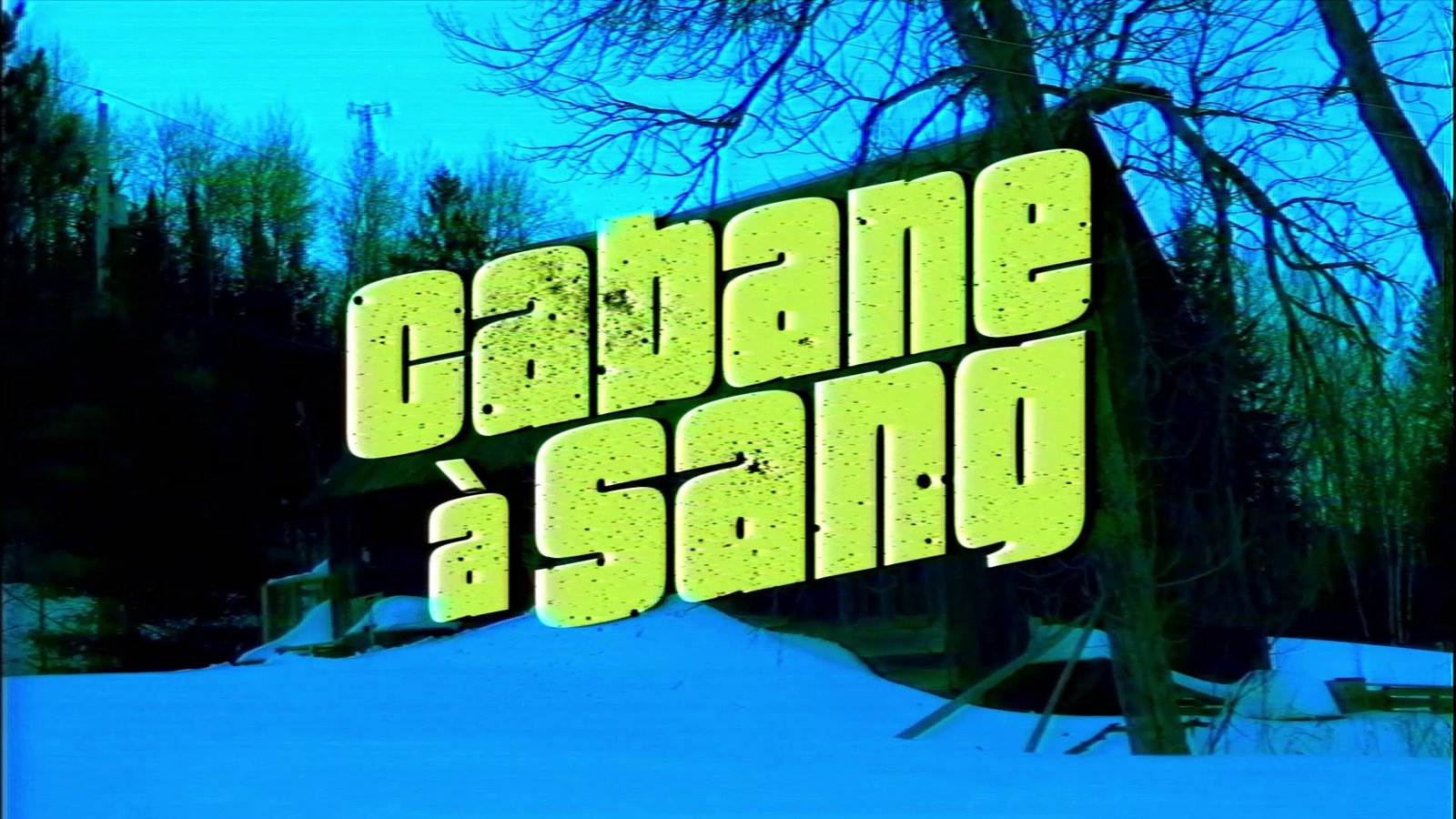
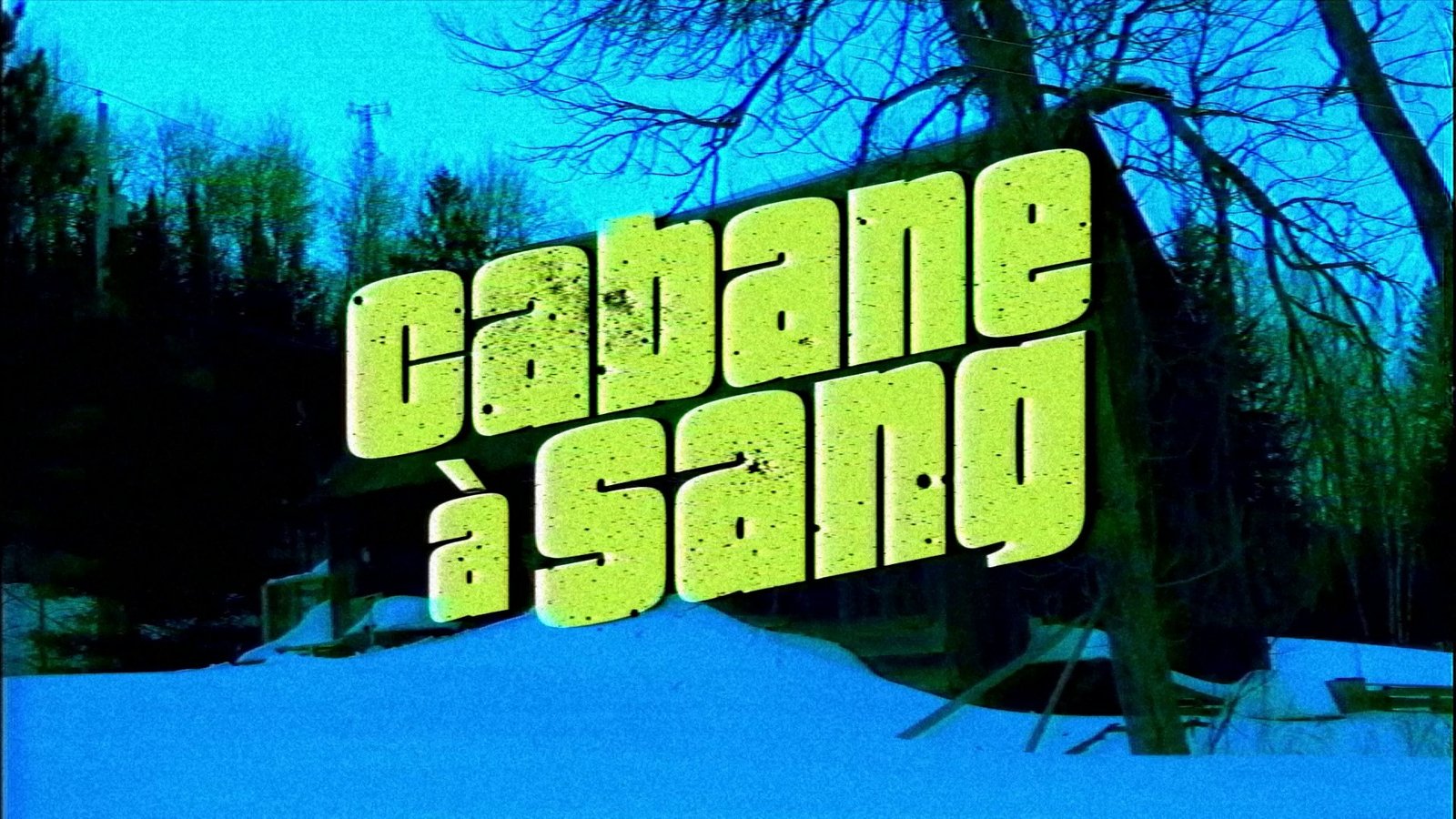
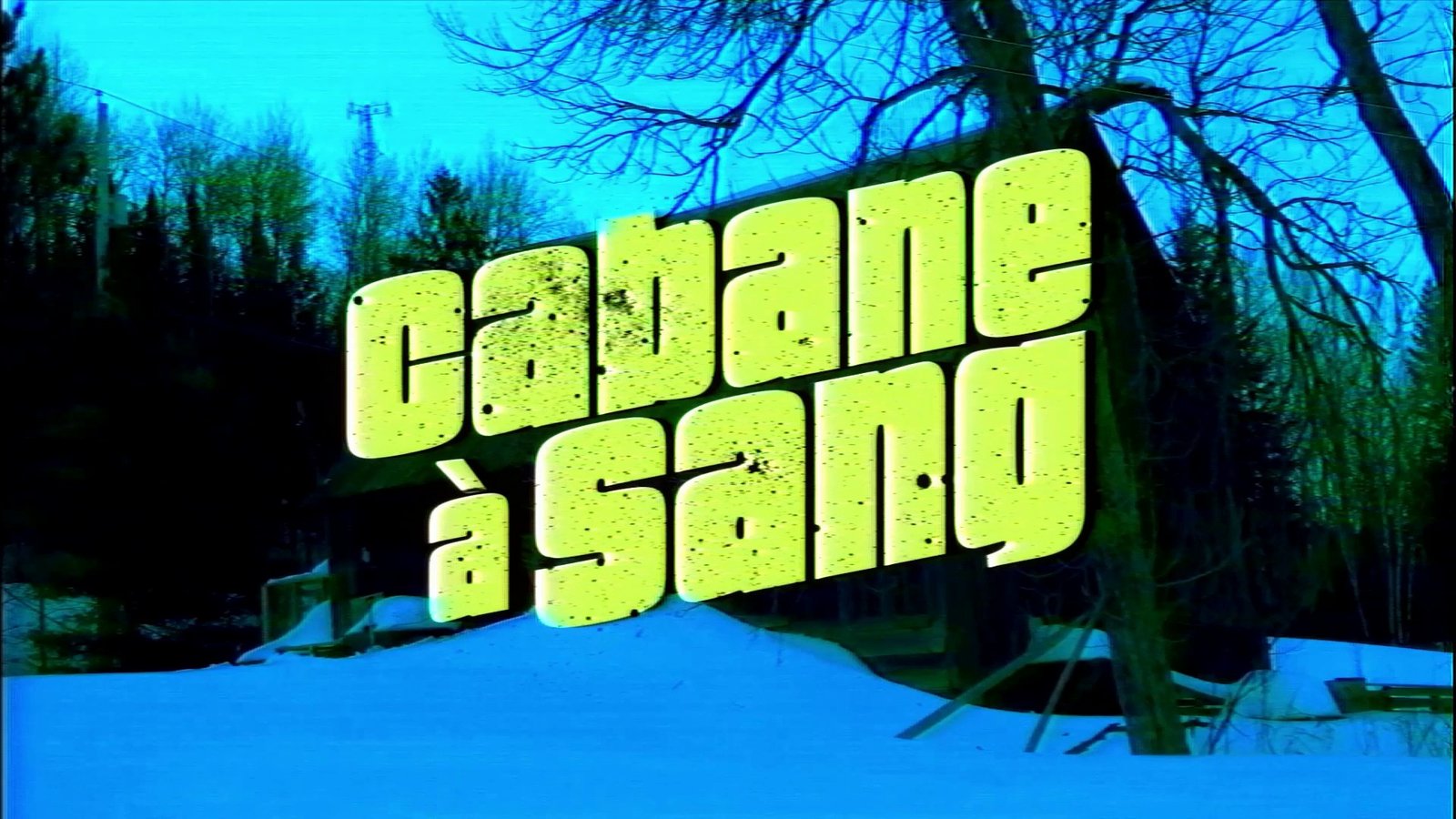
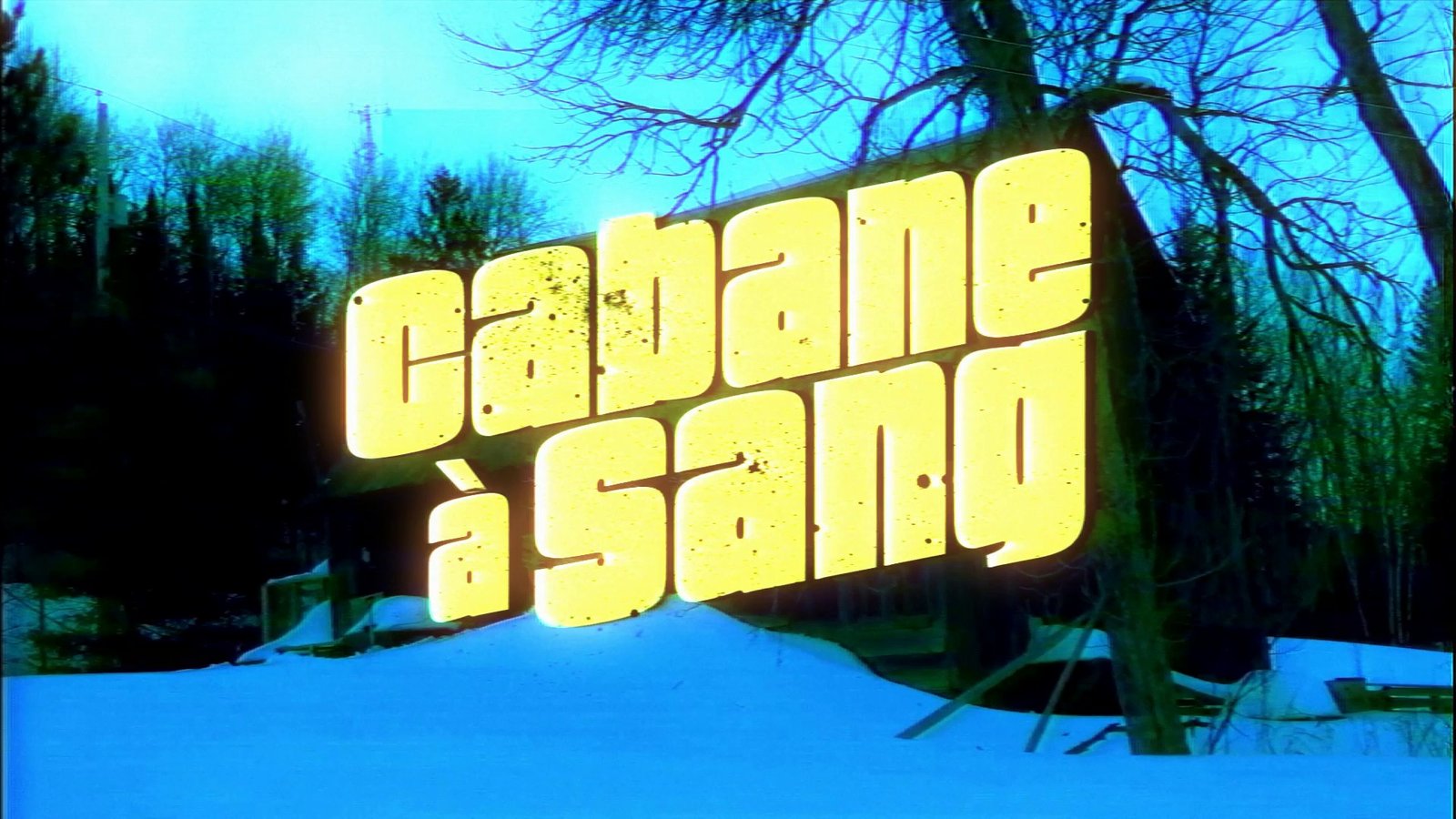
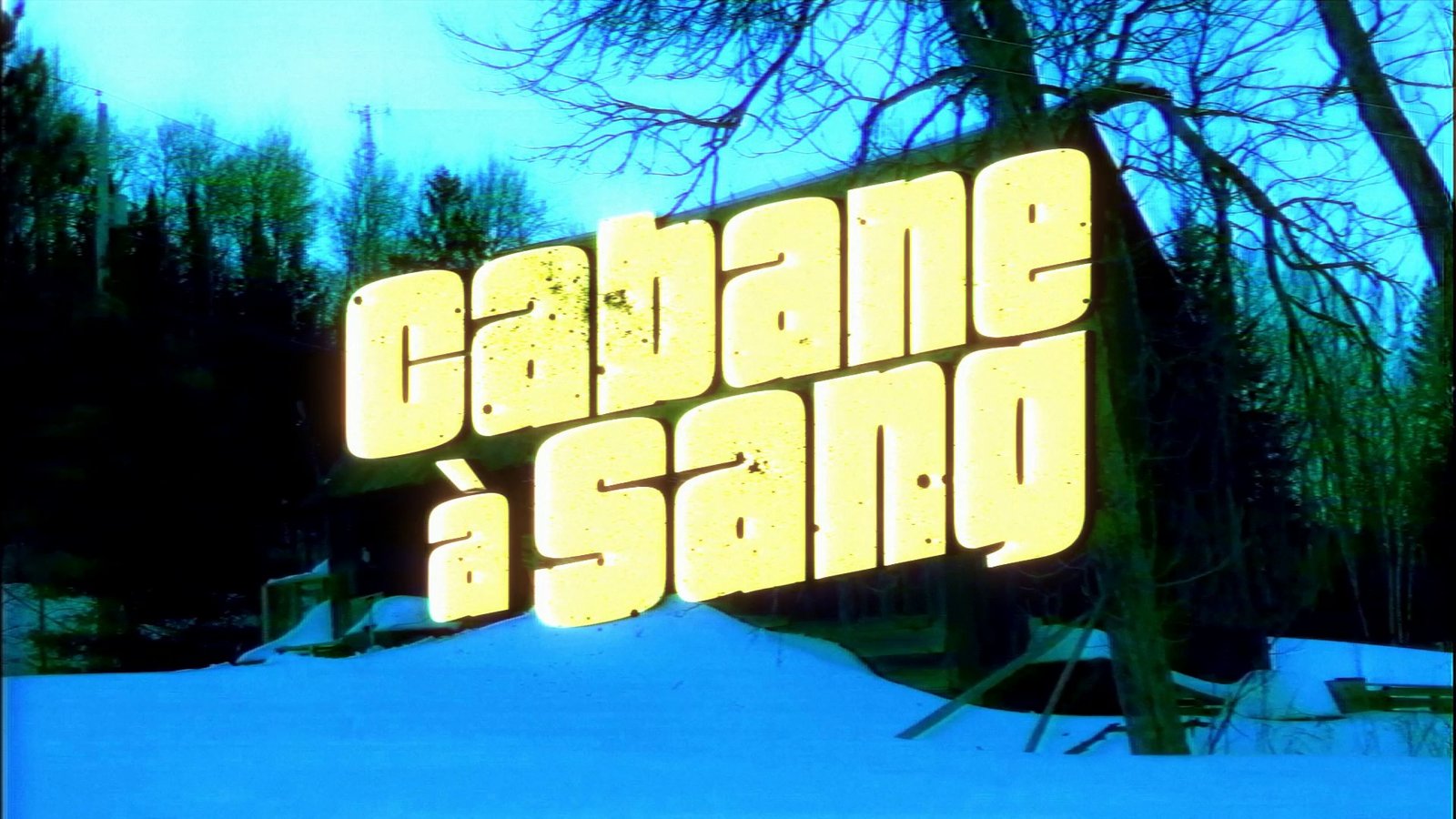
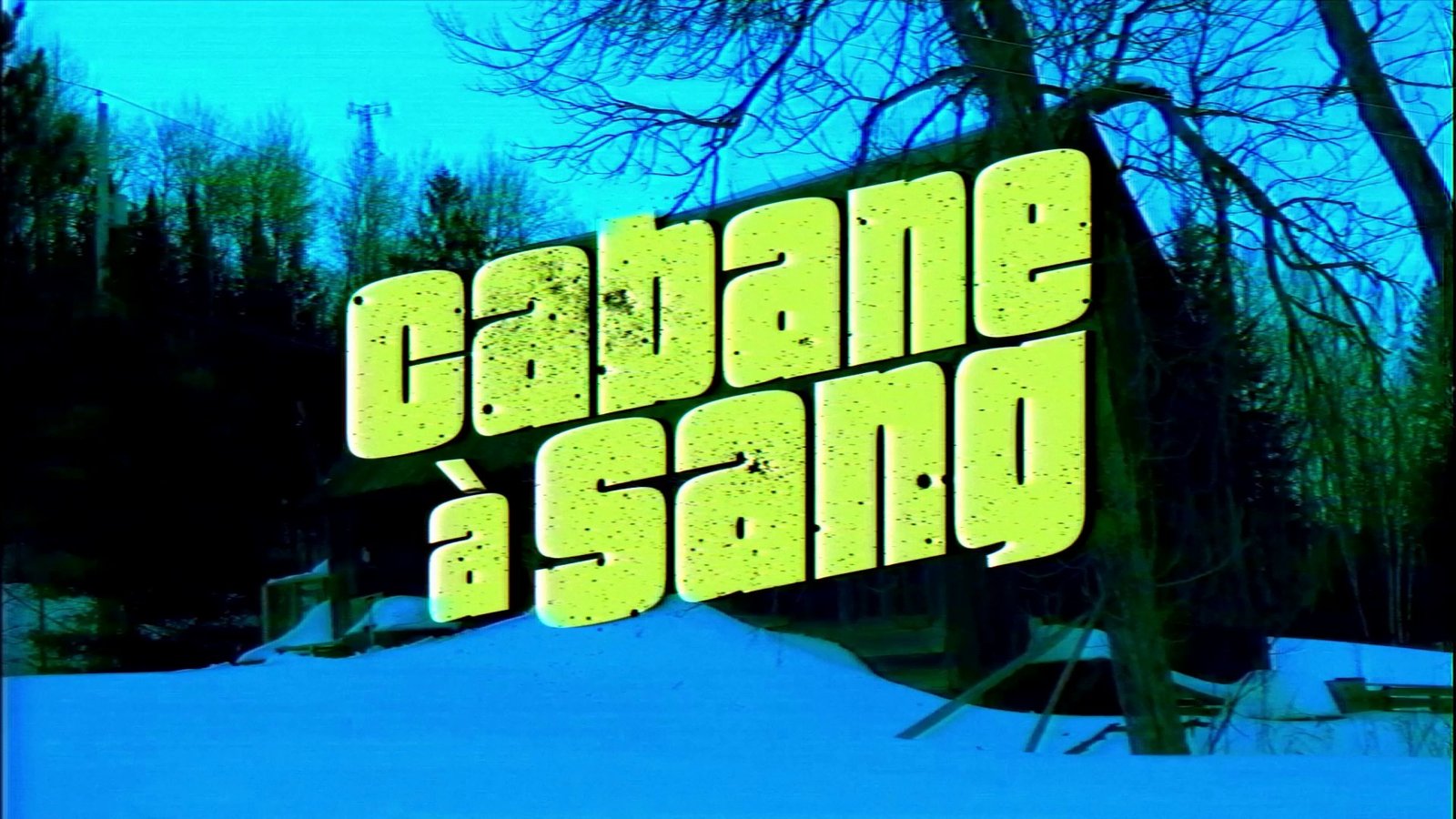
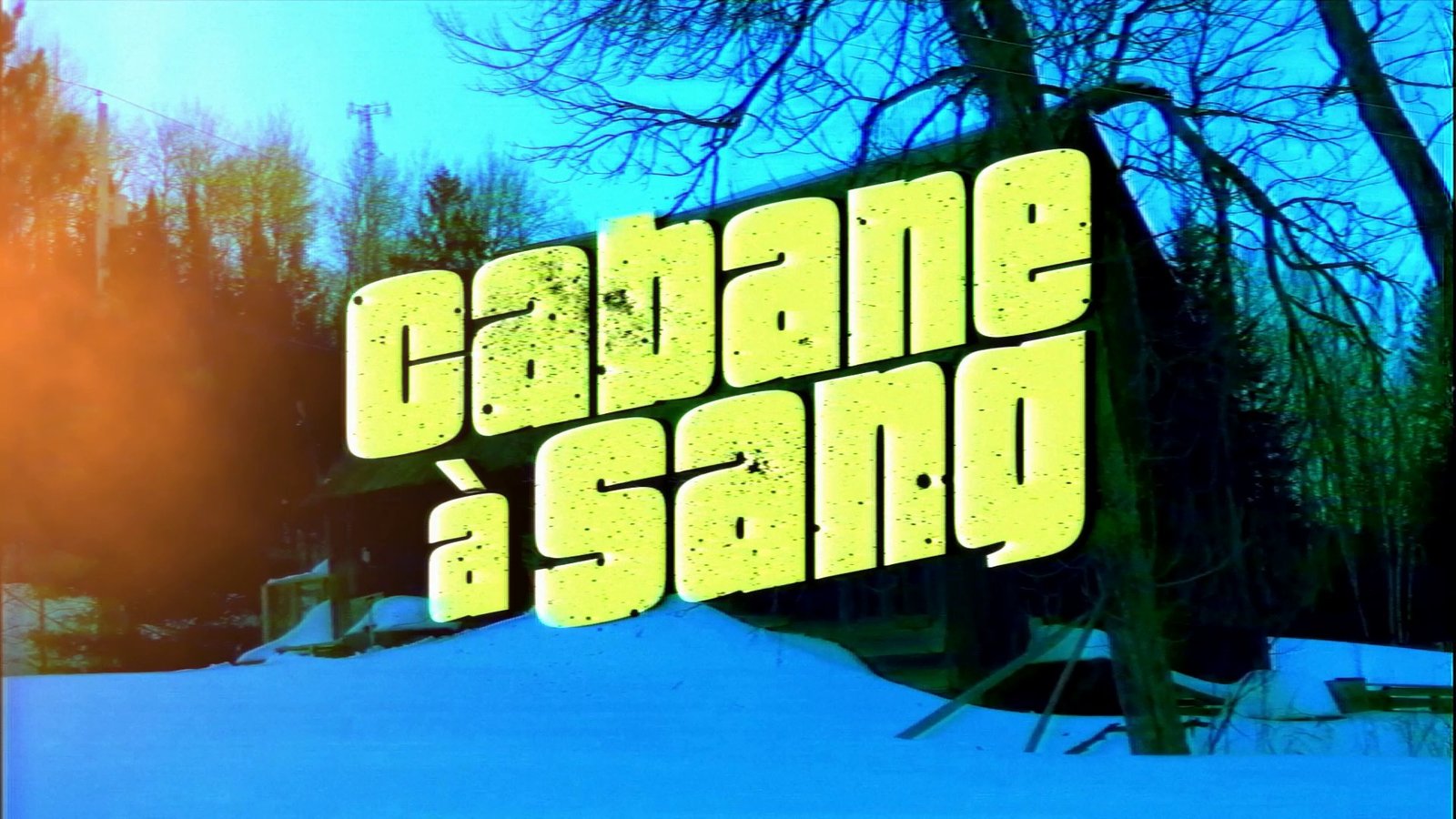
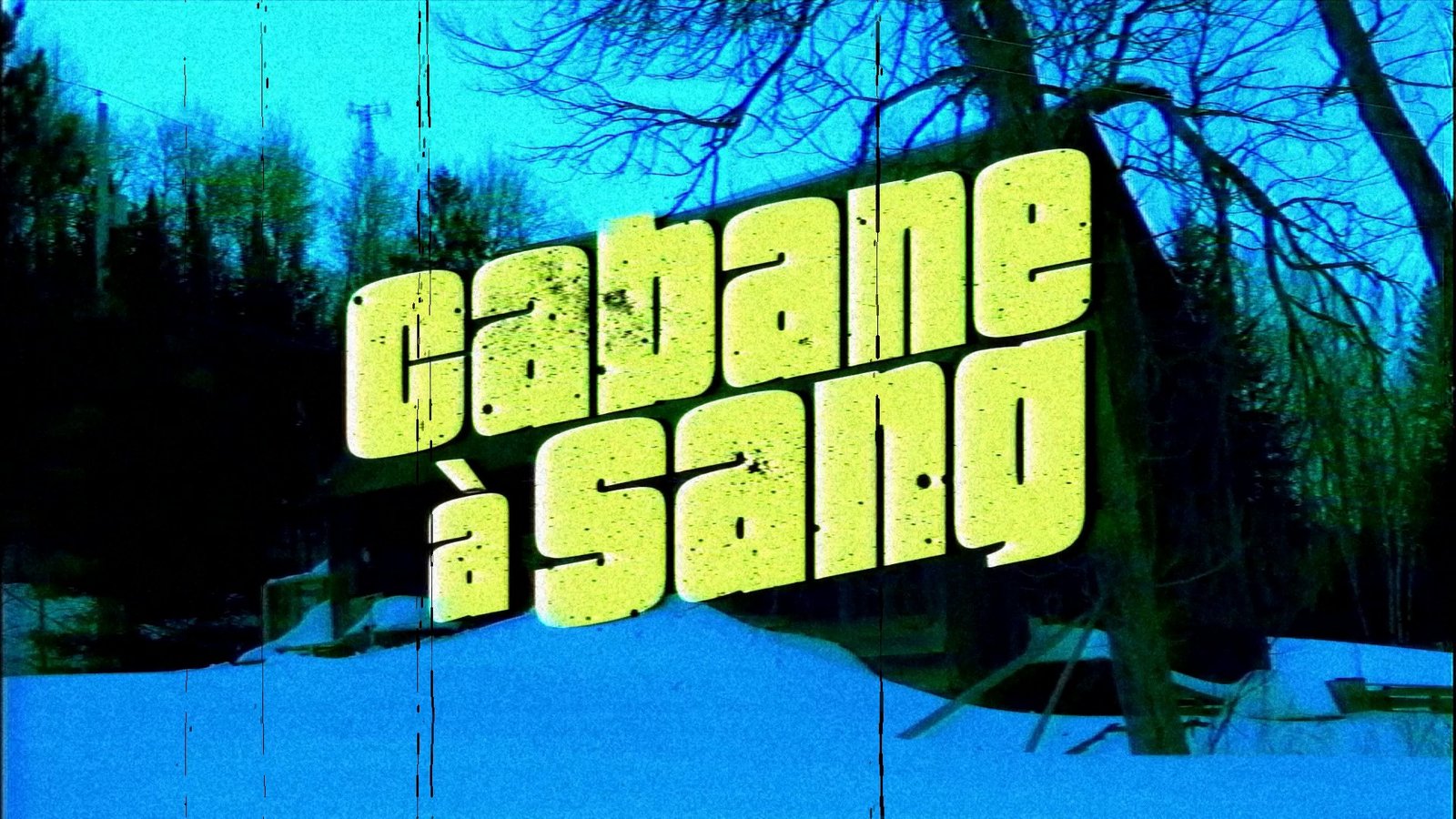
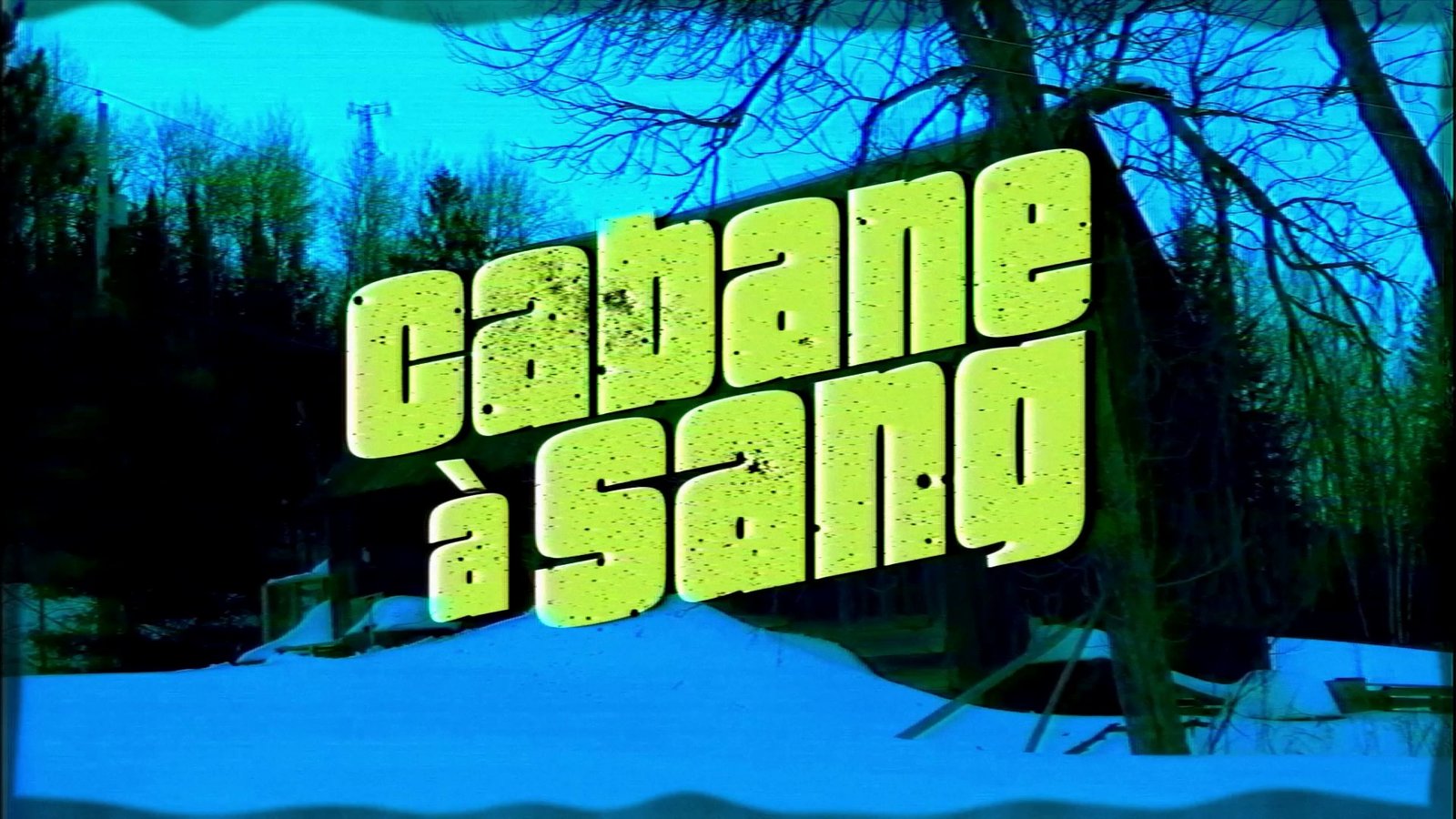
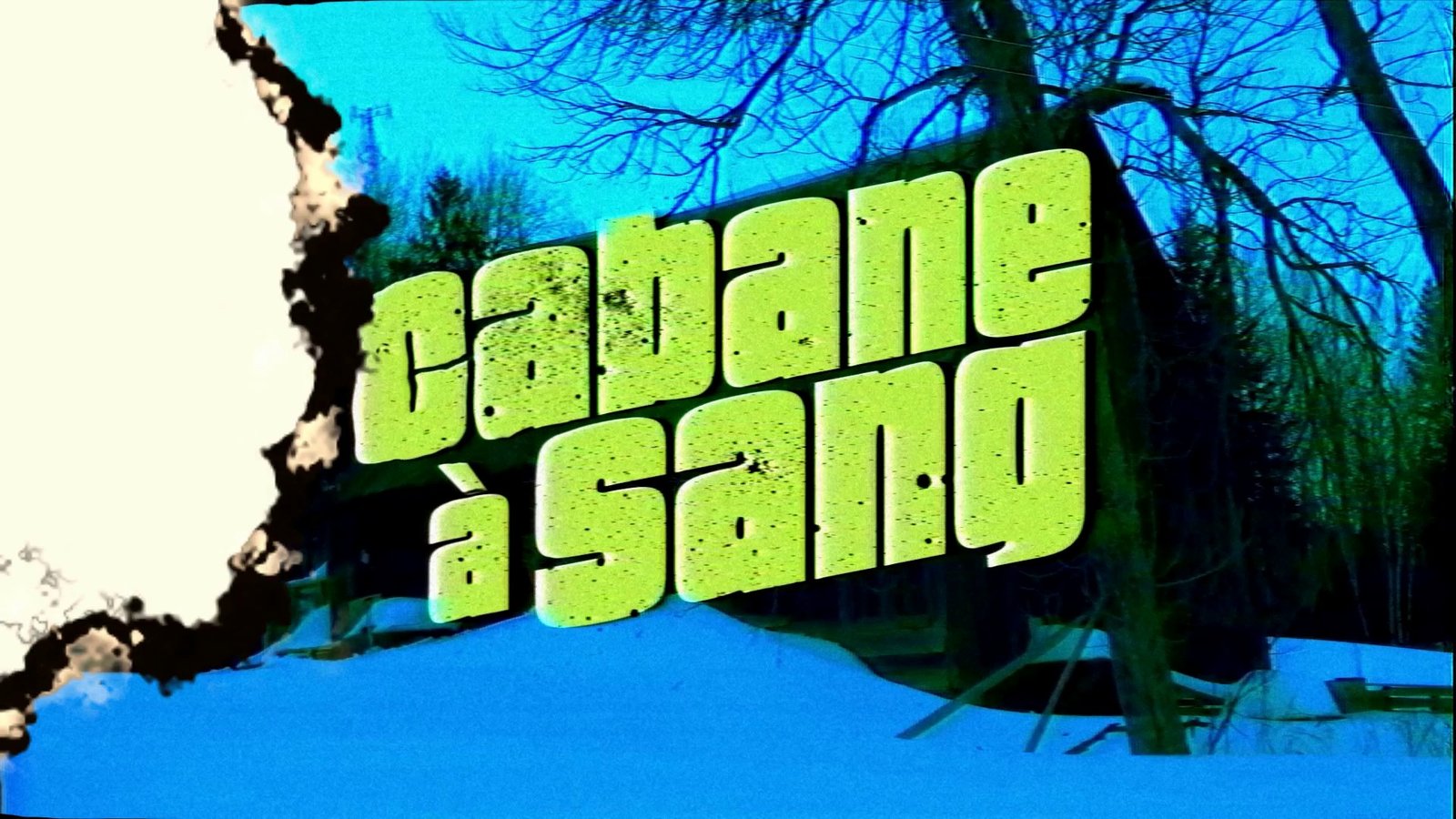
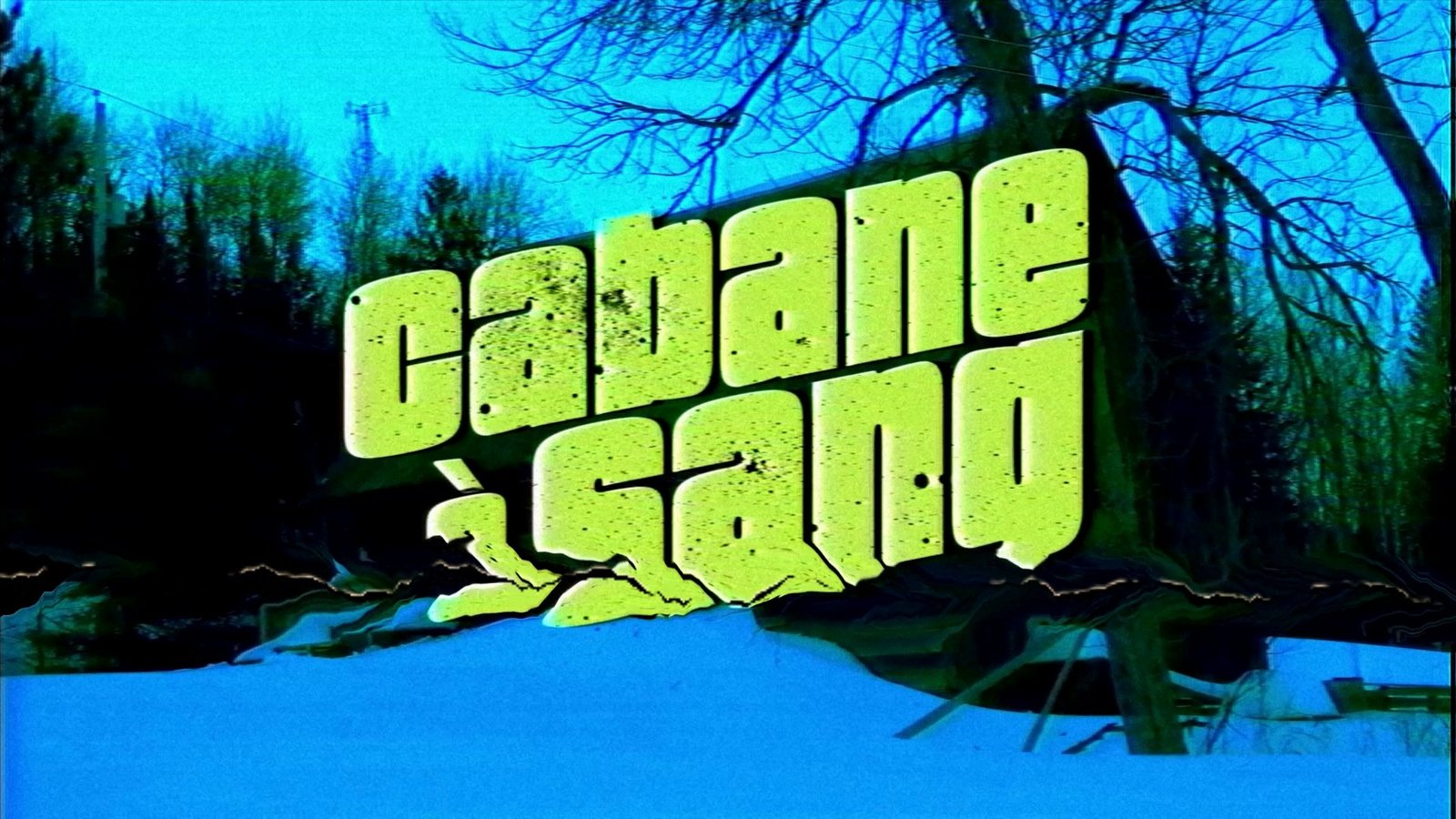
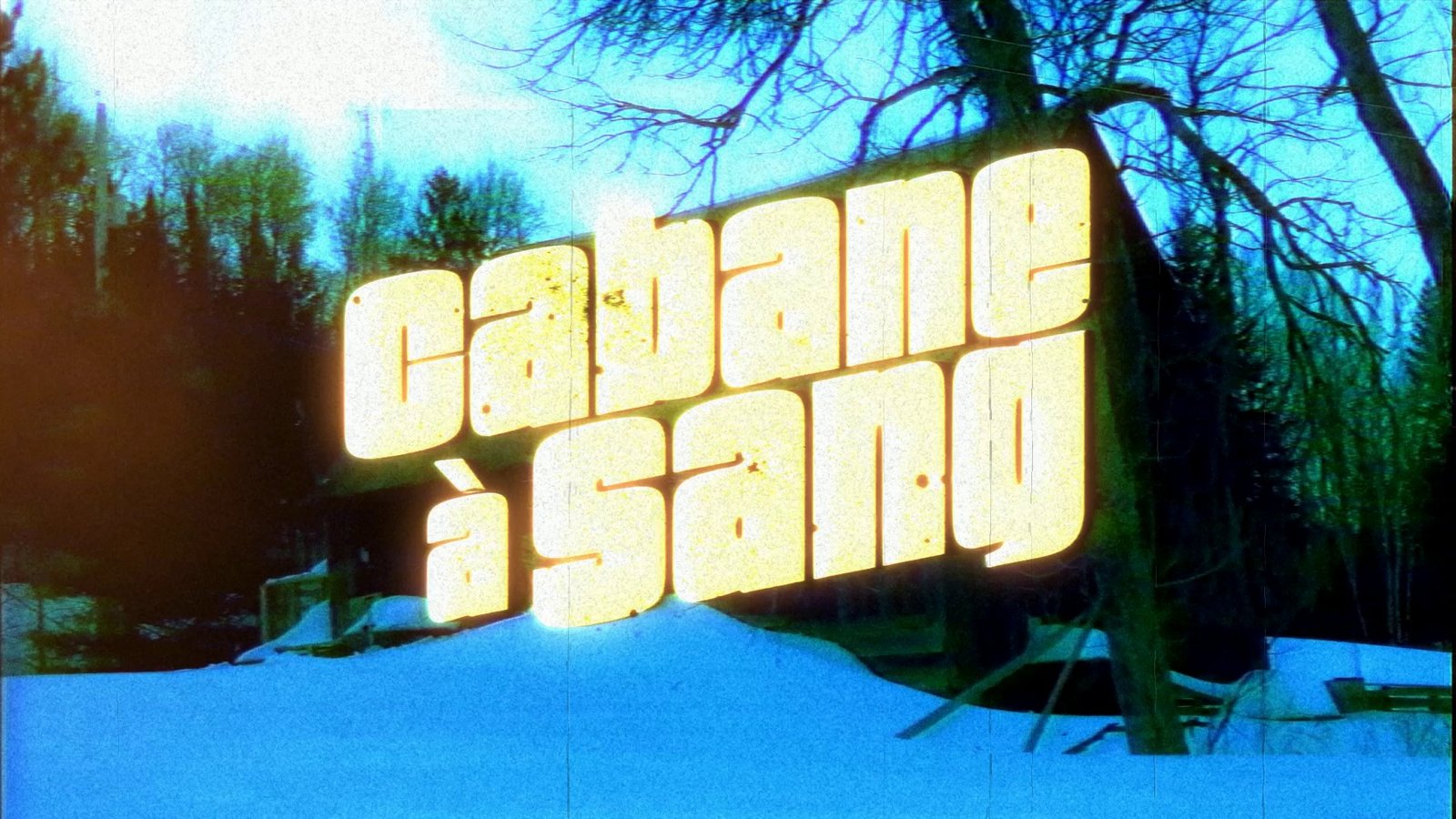
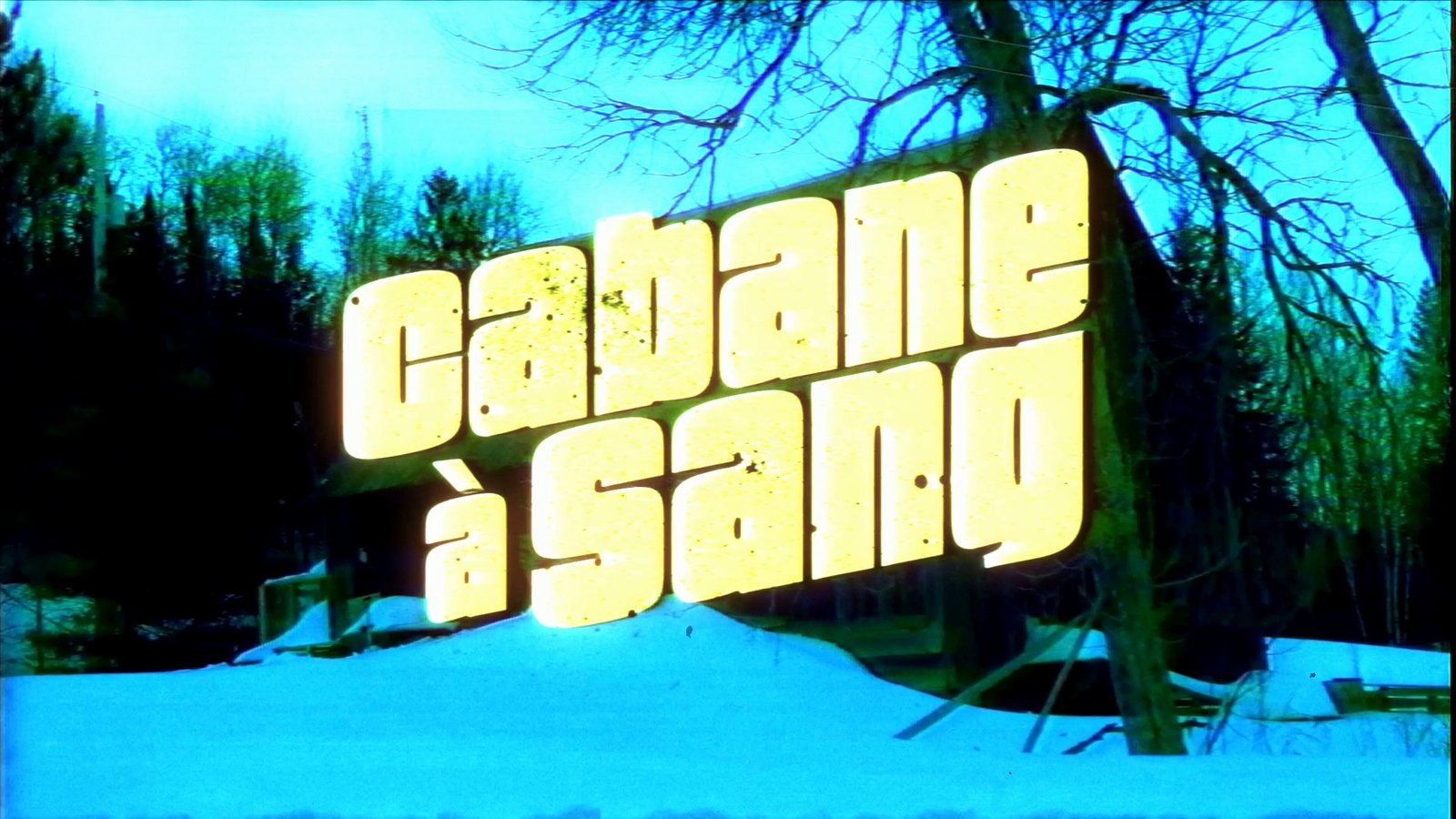
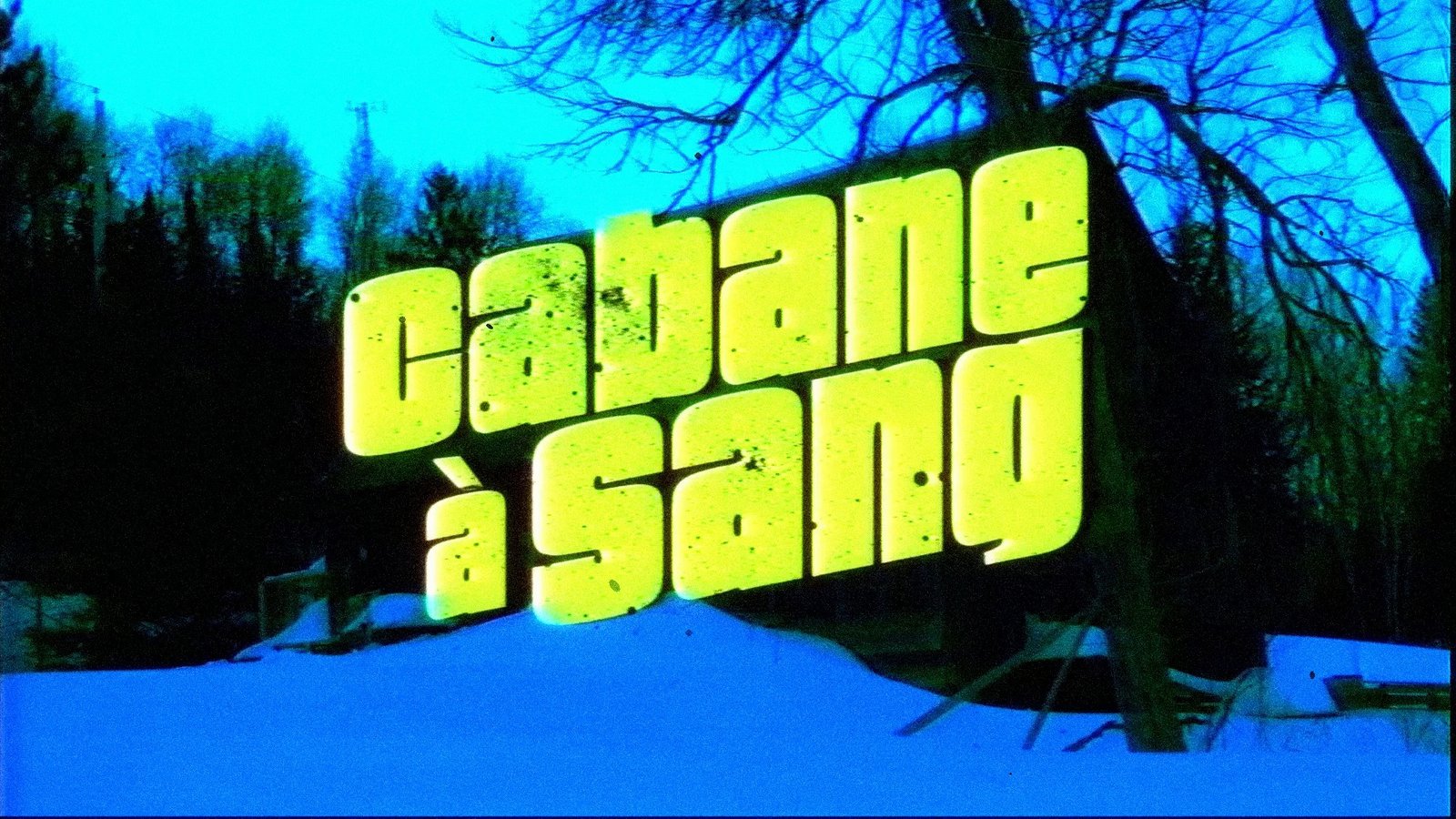
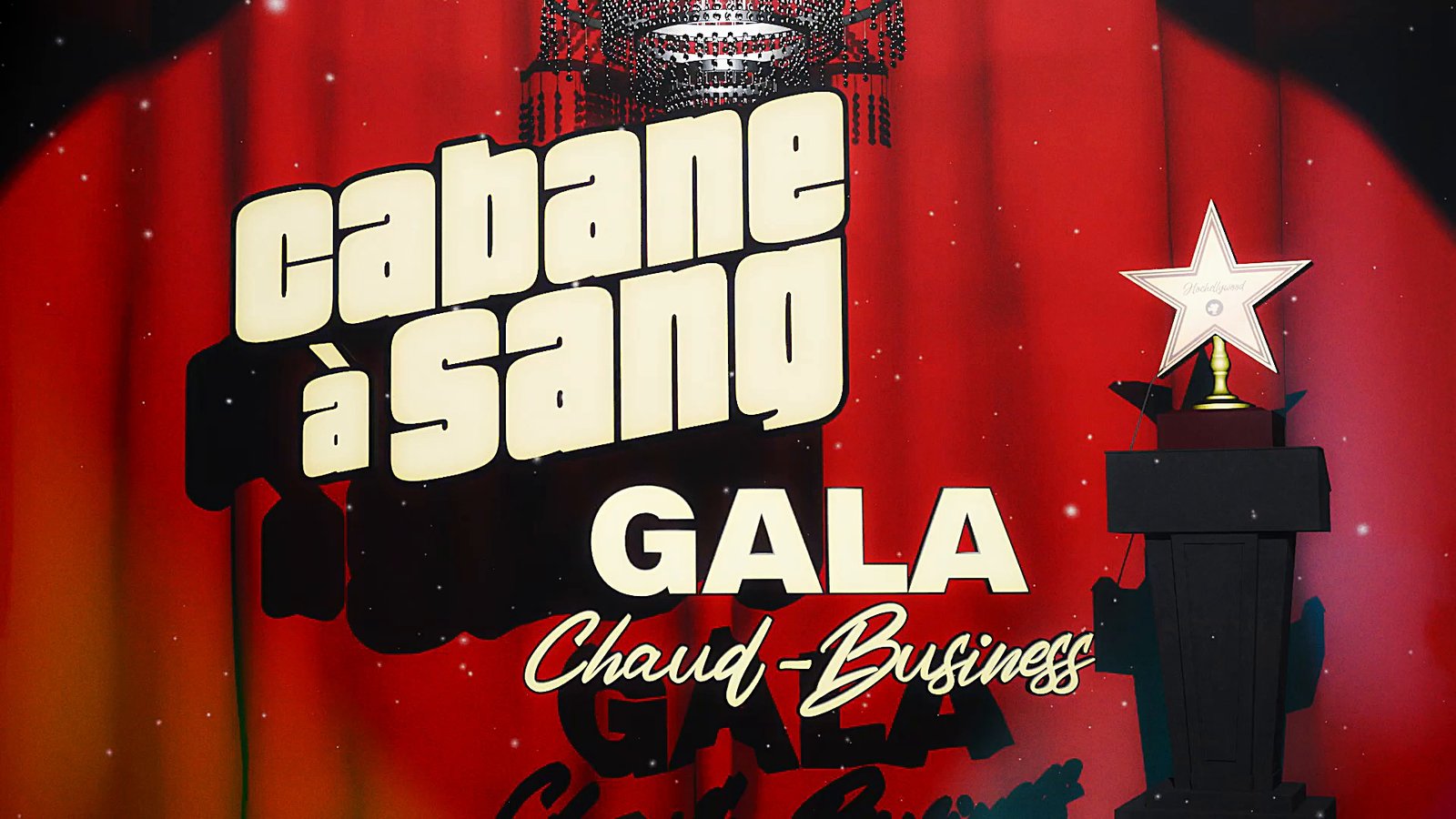
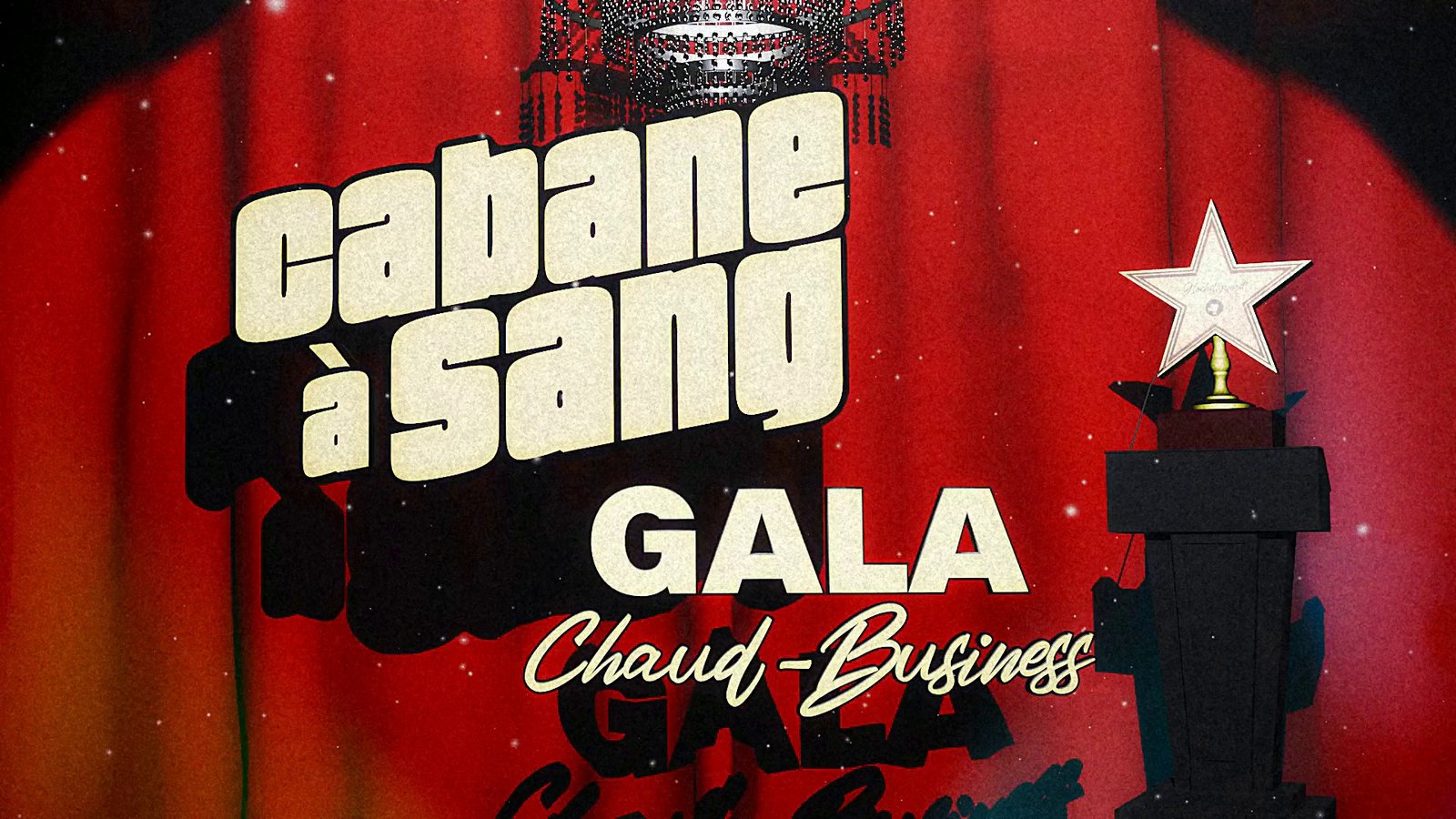
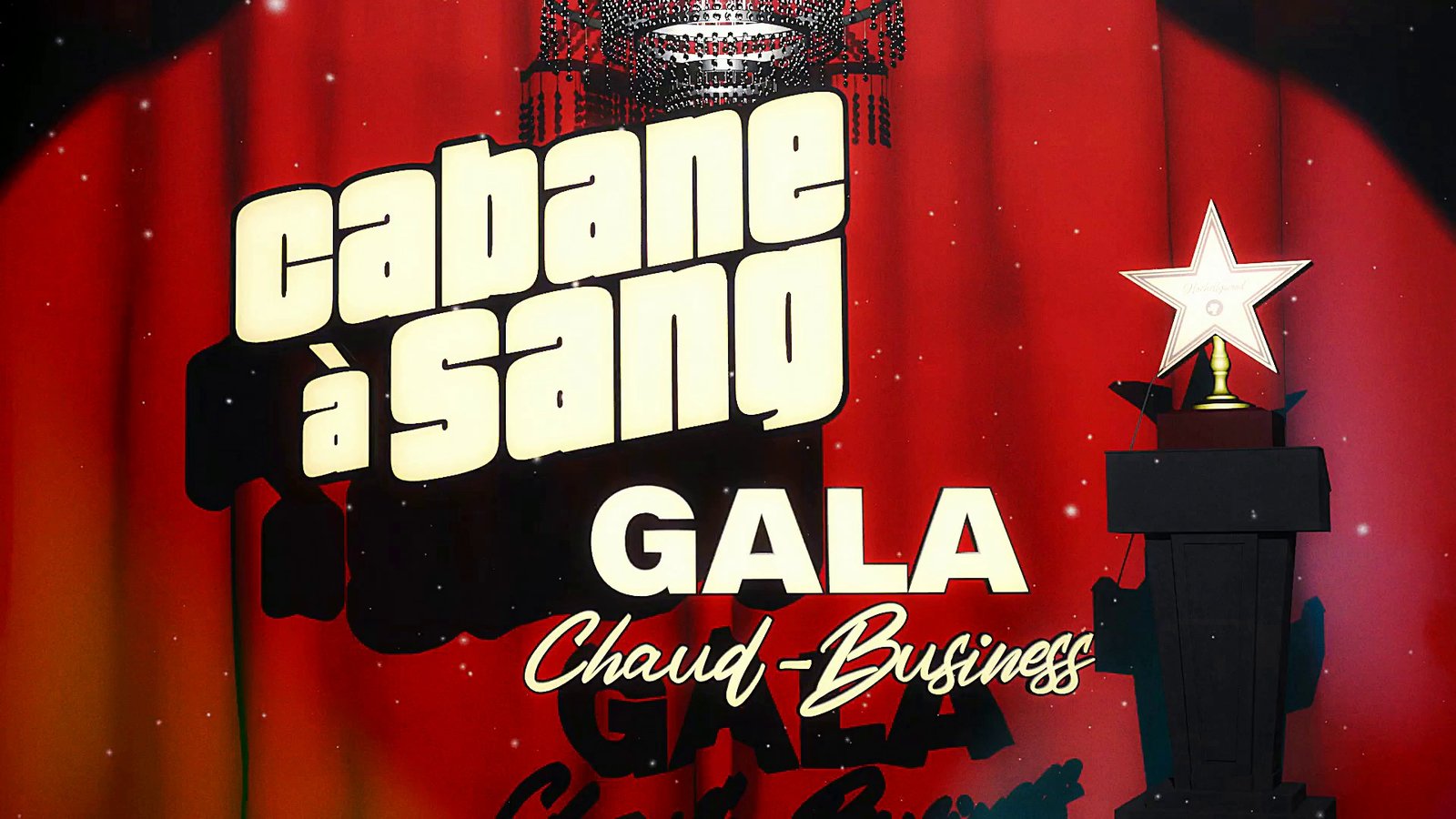
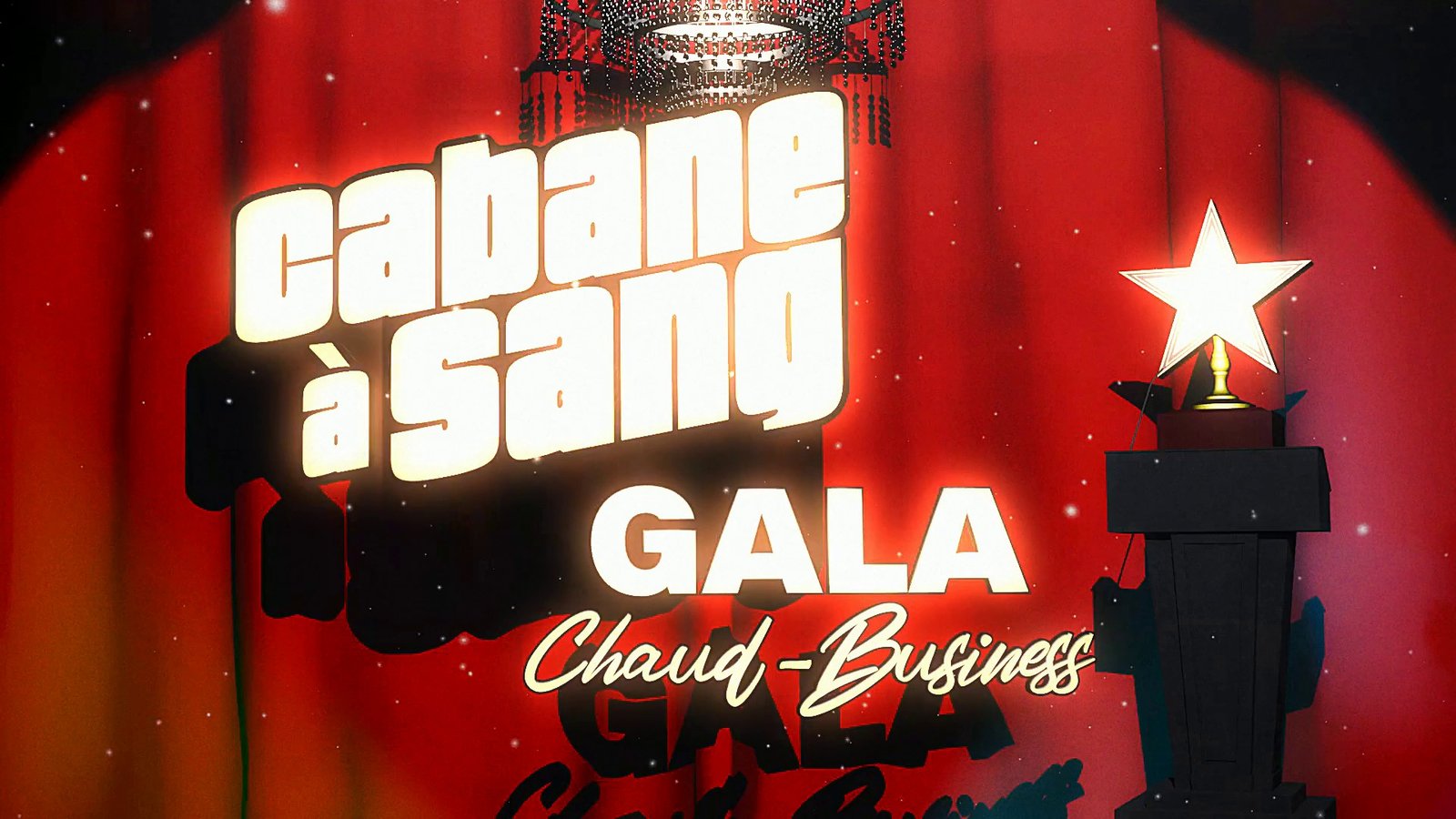
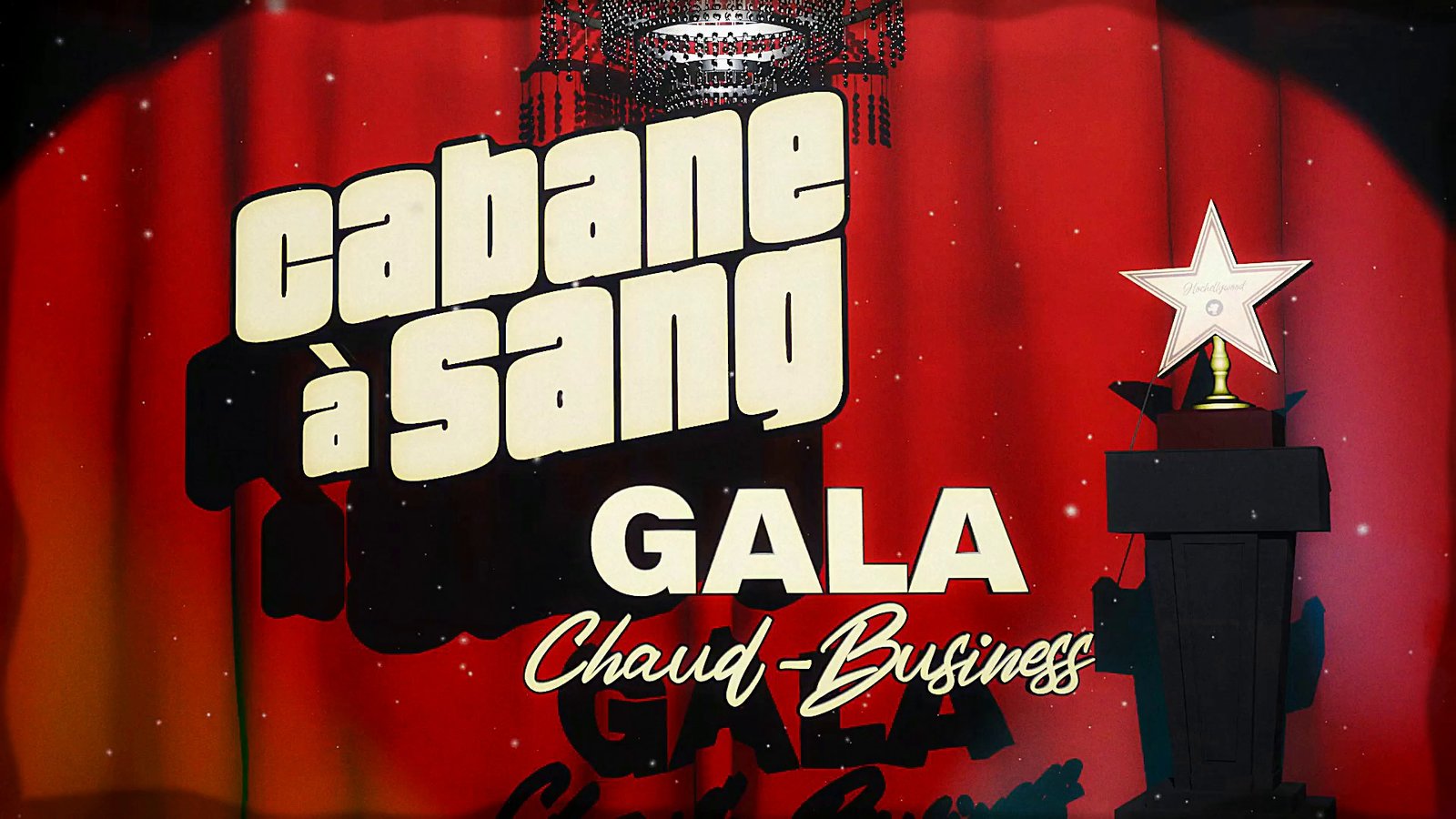
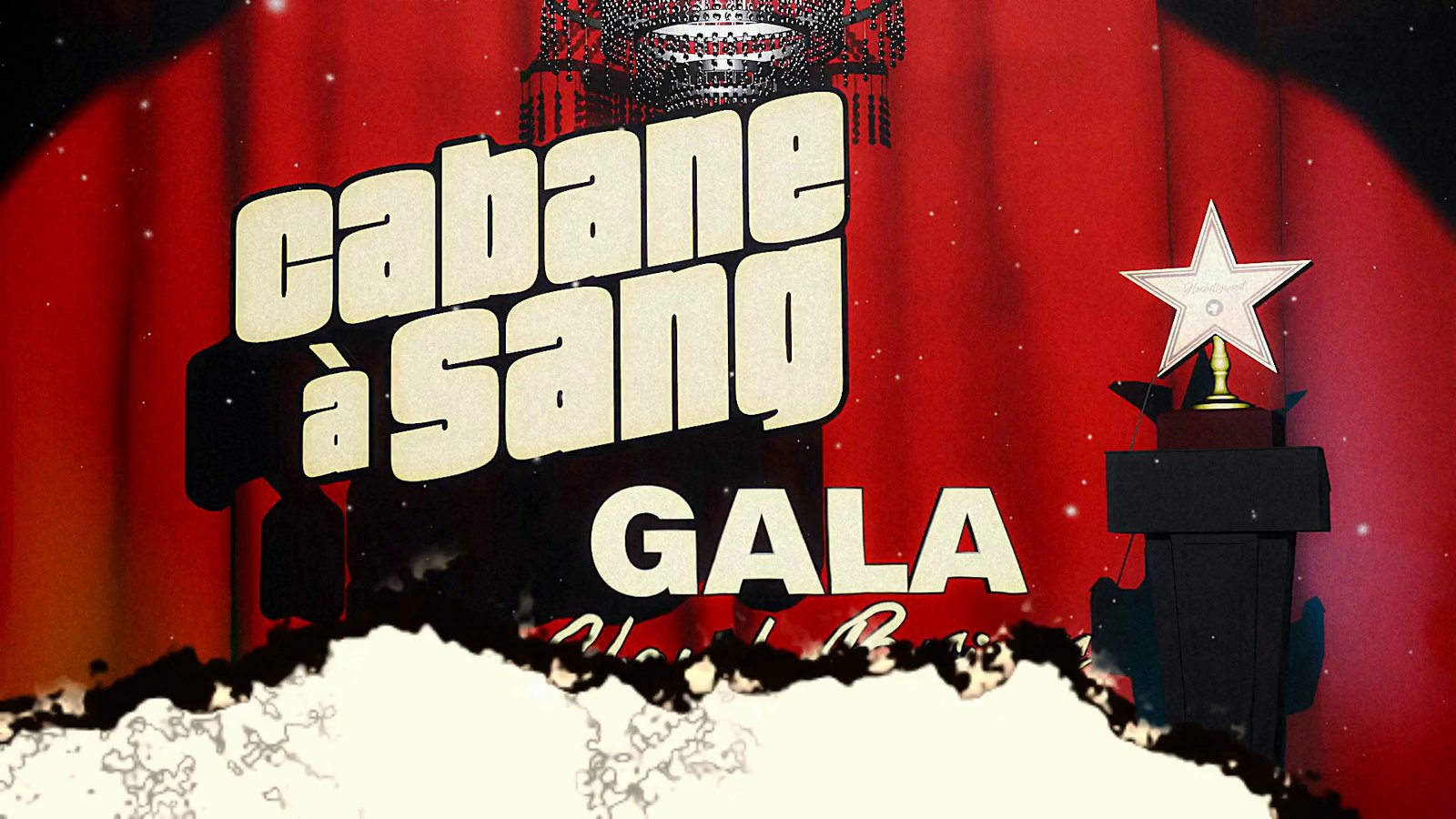
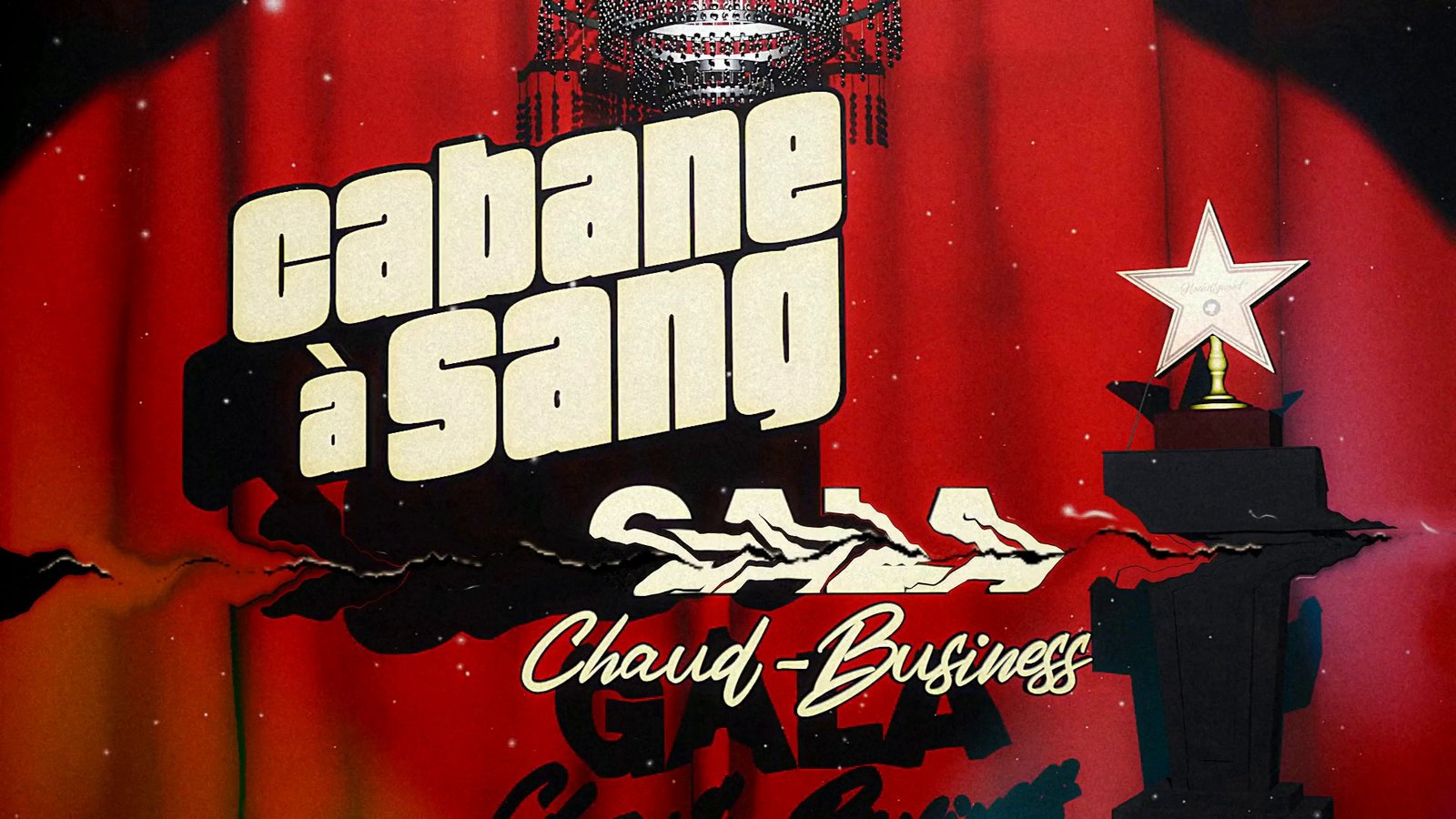
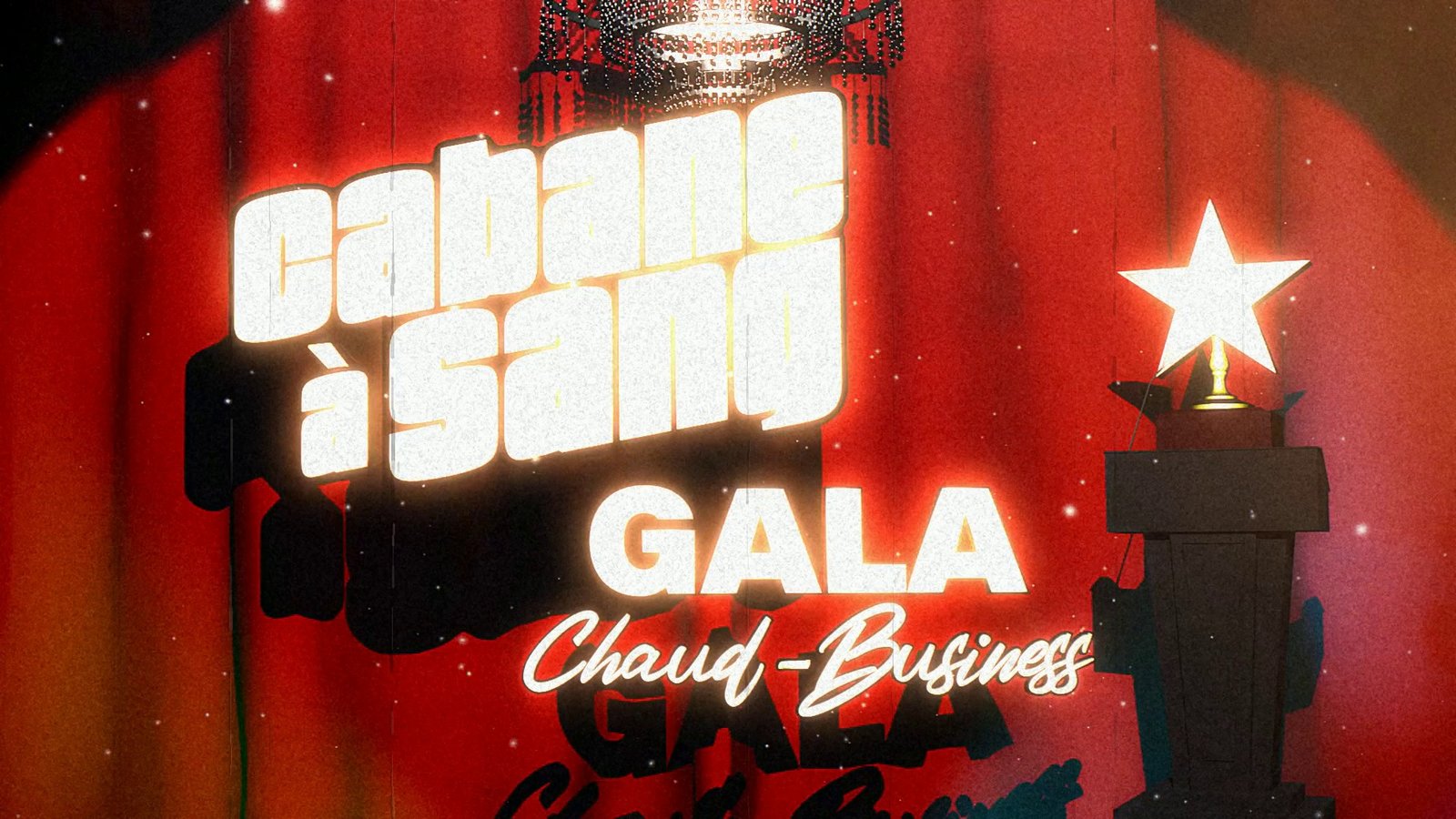
Same source frame, different settings. The first tile of each row is the untouched original. Click any tile to compare at full size; use the arrows or keyboard to step through the row.
DAYLIGHT / SKIER
Daylight, hard sun, lots of sky: the look that burns out fastest.
TITLE CARD / FOREST
Bright lettering over a cool background: bloom and halation have something to grab.
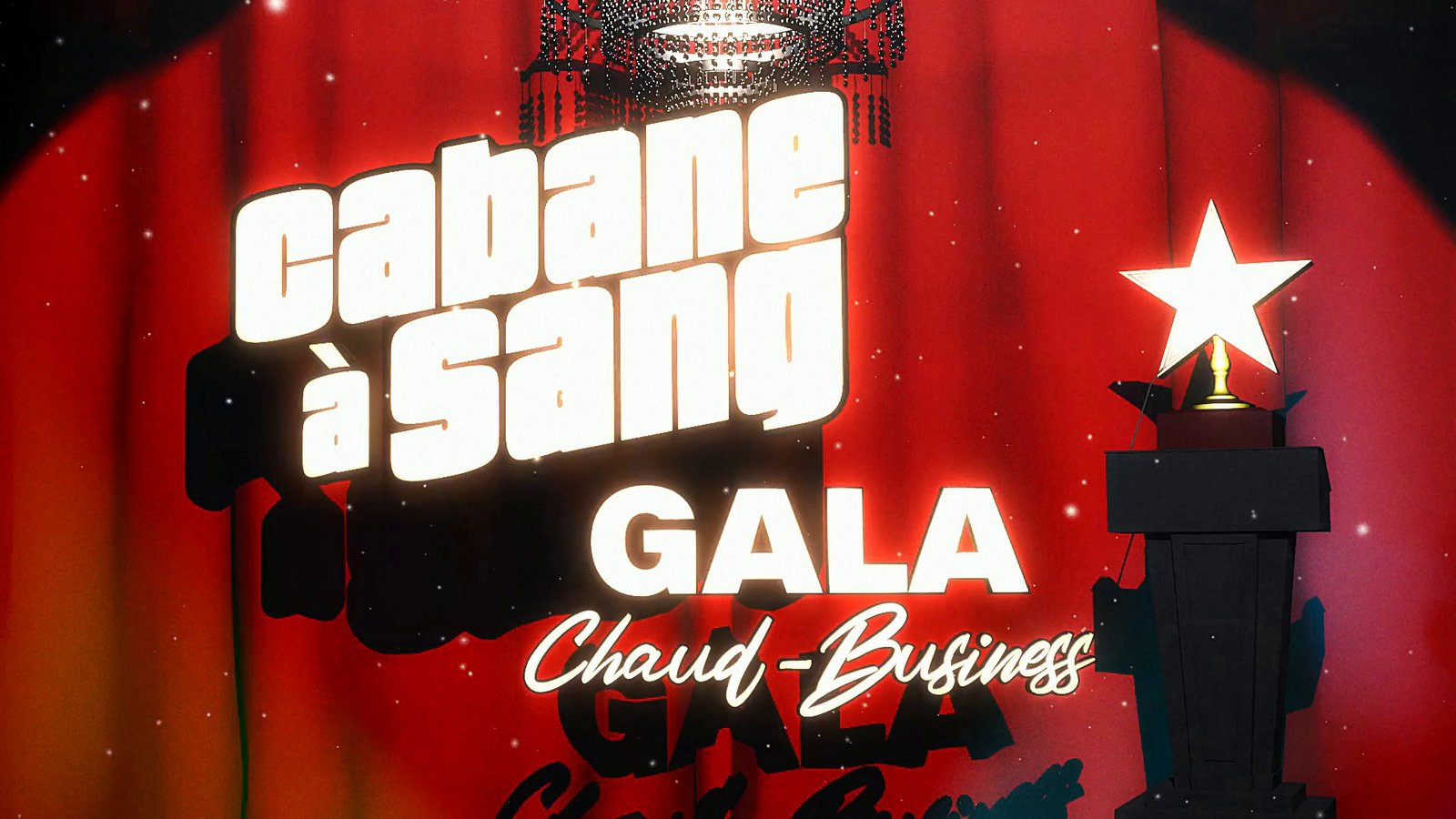
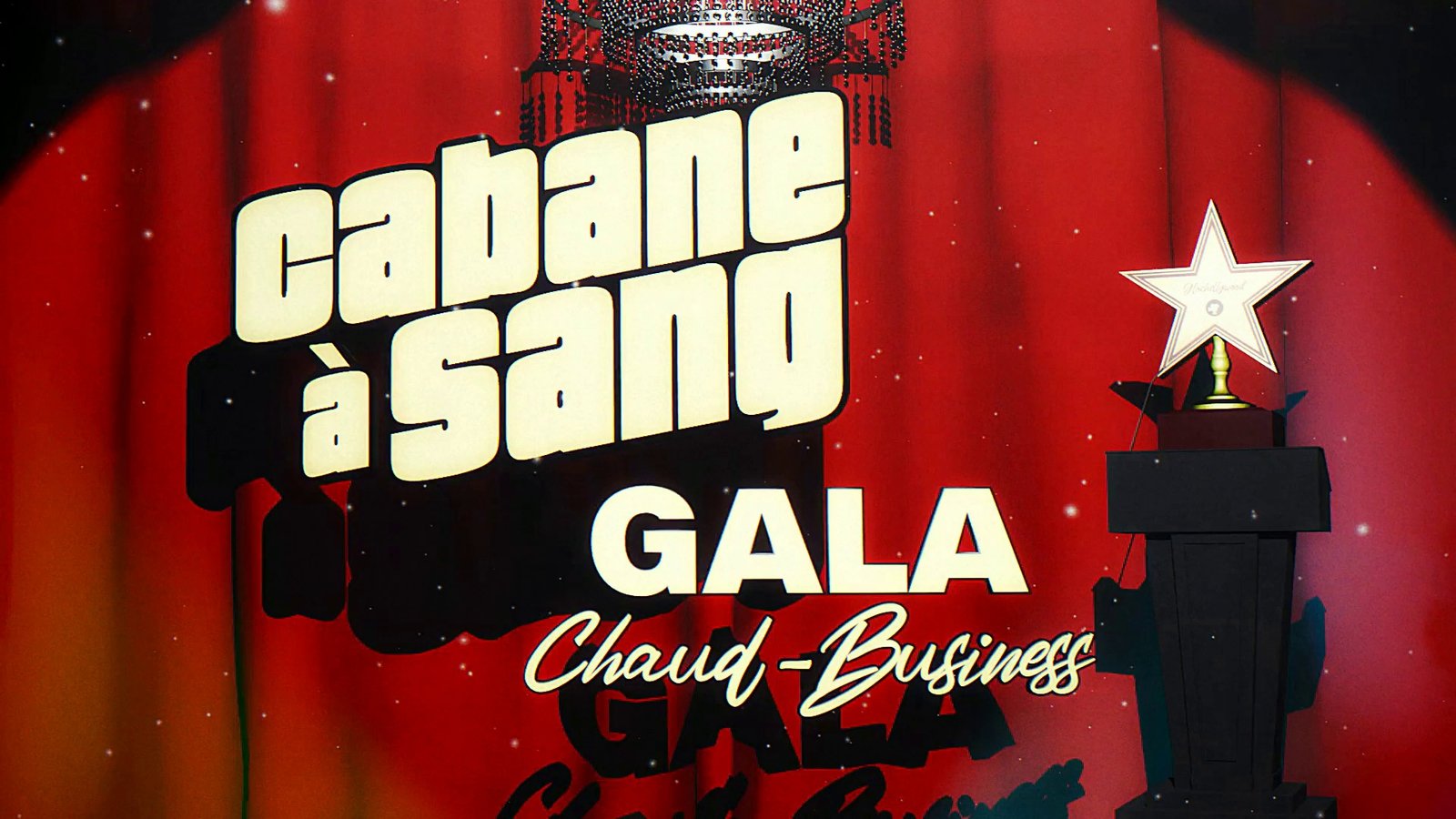
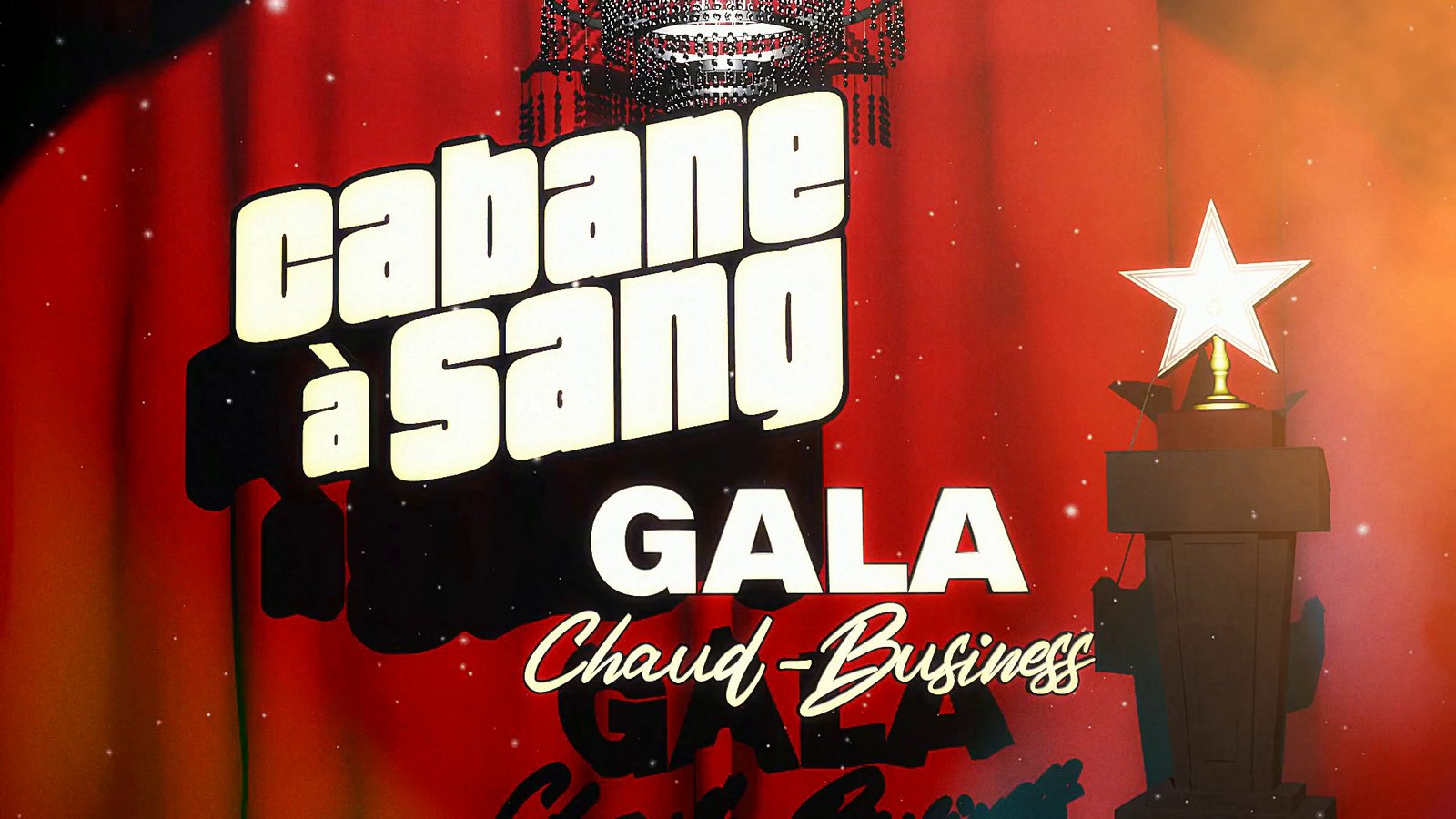
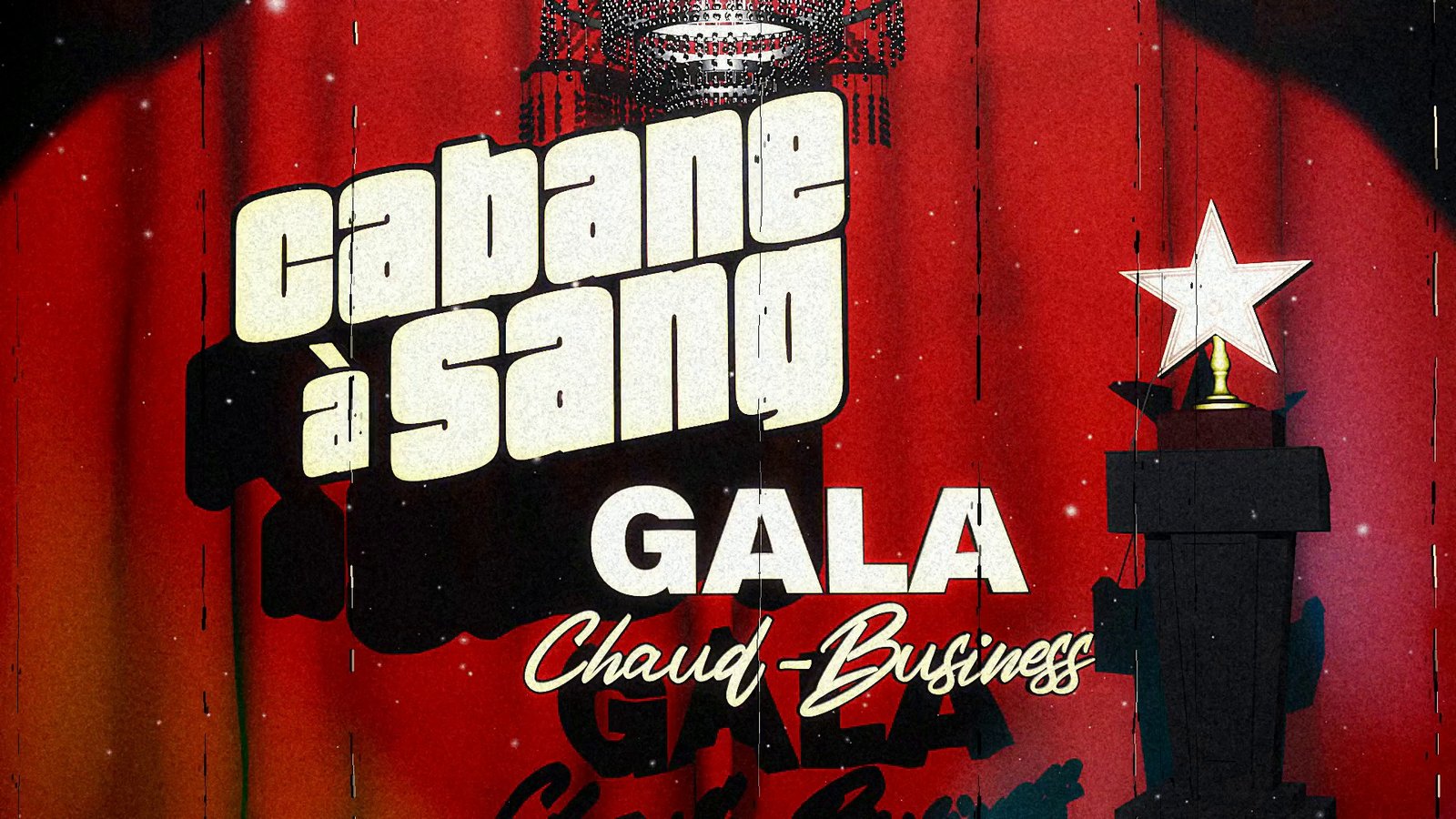
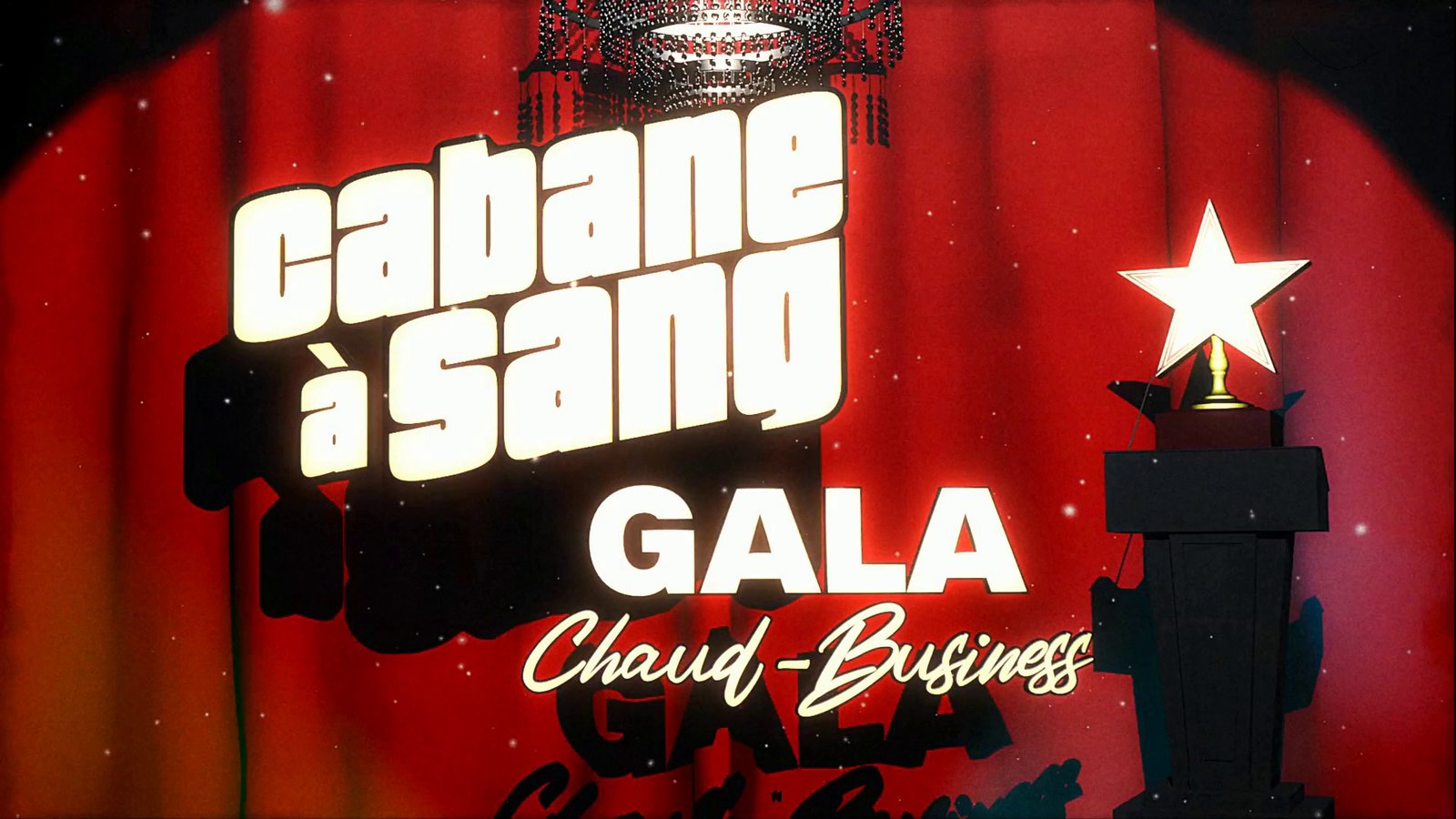
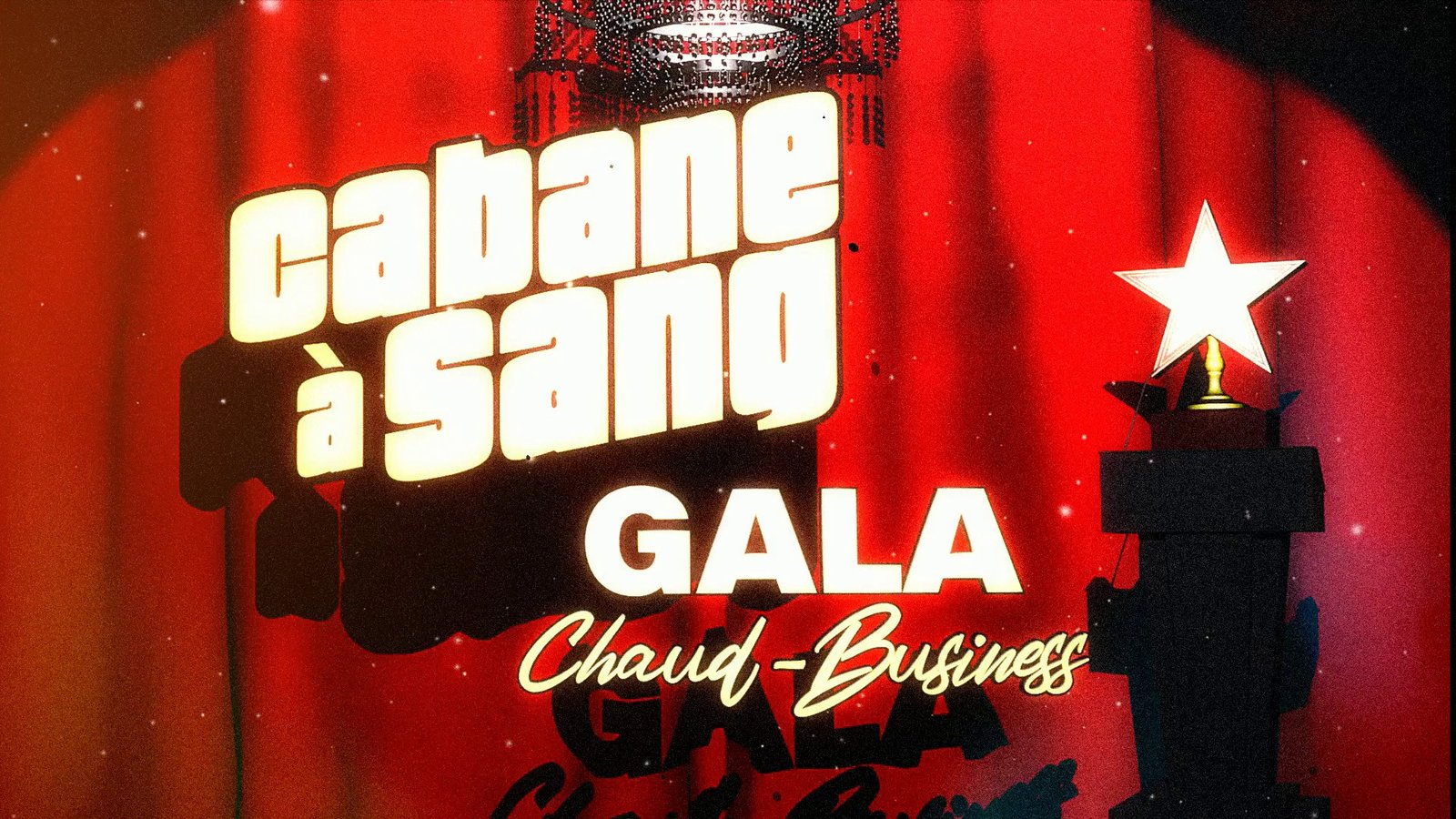
RED CURTAIN / GALA
Saturated red and white text: shows how far each look pushes colour.
Film, not a filter.
Super8 Film Lab treats your footage like a strip of small-gauge film. Grain is built at delivery size, bloom and halation are driven by the light in your own shot, and exposure flicker, gate weave and chromatic drift move the way a projector does. Three presets (LIGHT, MEDIUM, APOCALYPTIC) set the strength; every effect has its own switch and slider.
Scrub, compare, render.
Load a video and the first frame appears in the preview. Drag the timeline to any moment, step a frame at a time, flip Show original to compare, pick a seed you like. Render writes a 24 fps MP4 with your audio, at 1080p, source resolution or 4K. Progress and time remaining show while it works; Cancel stops after the current frame.
Layers for your editor.
Choose Final + layers and every pass is exported as its own clip: grain, bloom, halation, dirt mattes and a transport layer that carries the gate movement. LAYERS.md in the output folder gives the blend mode and stacking order so you can rebuild or adjust the look in After Effects, Premiere, Resolve or anything else.
Runs on your machine.
Uses your OpenCL GPU when there is one and a compiled CPU path when there is not. Nothing is uploaded, nothing phones home. Renders are not fast: a few seconds of 1080p takes seconds on a good GPU, long clips and 4K take minutes. Budget for it.
Known limits
Edge Dirt and Image Dirt do not combine well with the other effects: the debris is pushed through bloom, halation and grain and tends to turn muddy. Use dirt on its own exported layer, or leave it off. This will probably not be fixed. Physical damage (scratches, burns, tears, light leaks) is the older V1 look and renders on the CPU only. SDR footage only; grade HDR or log material first. Windows only; no macOS build.