grindhouse print look
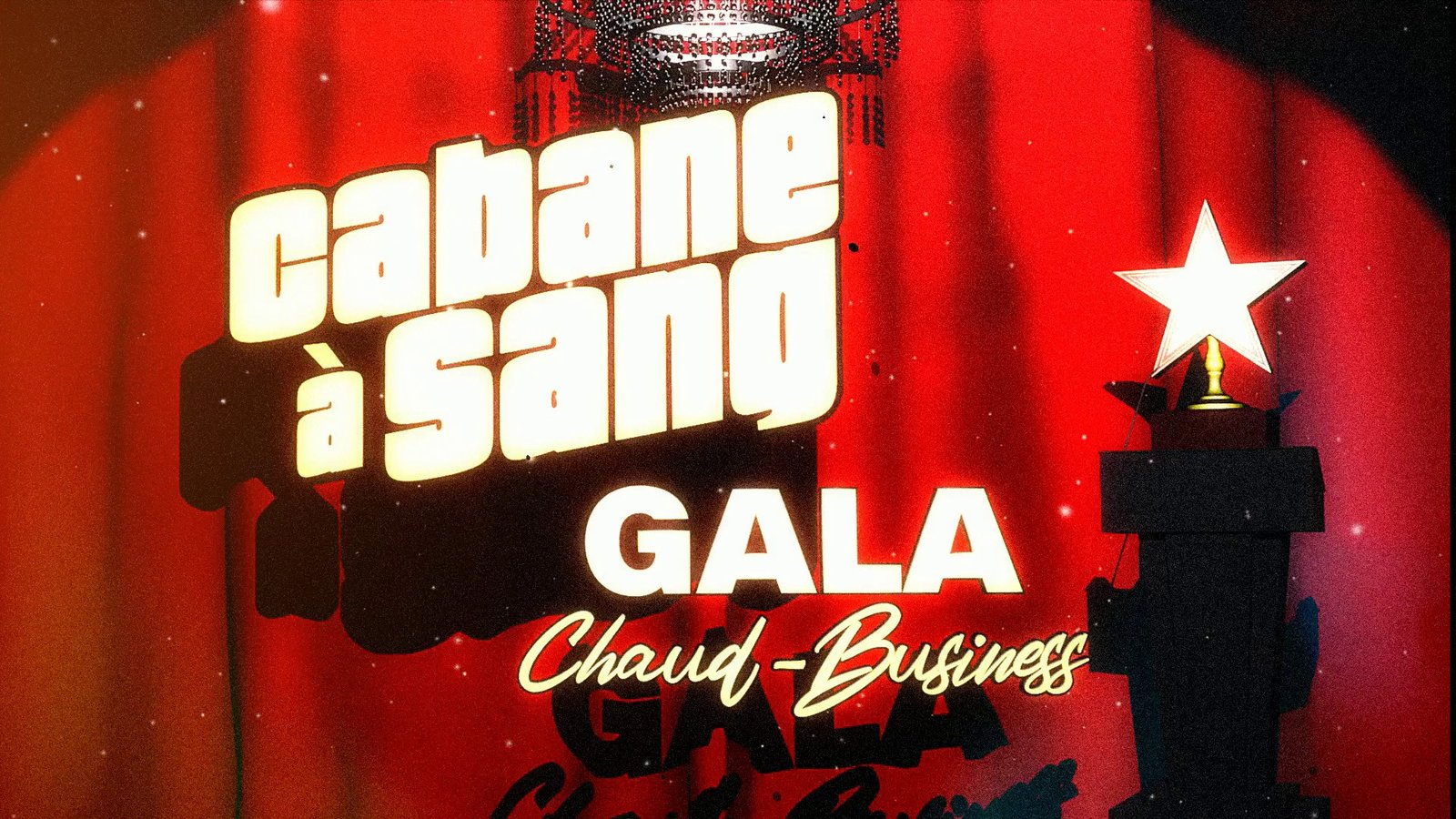
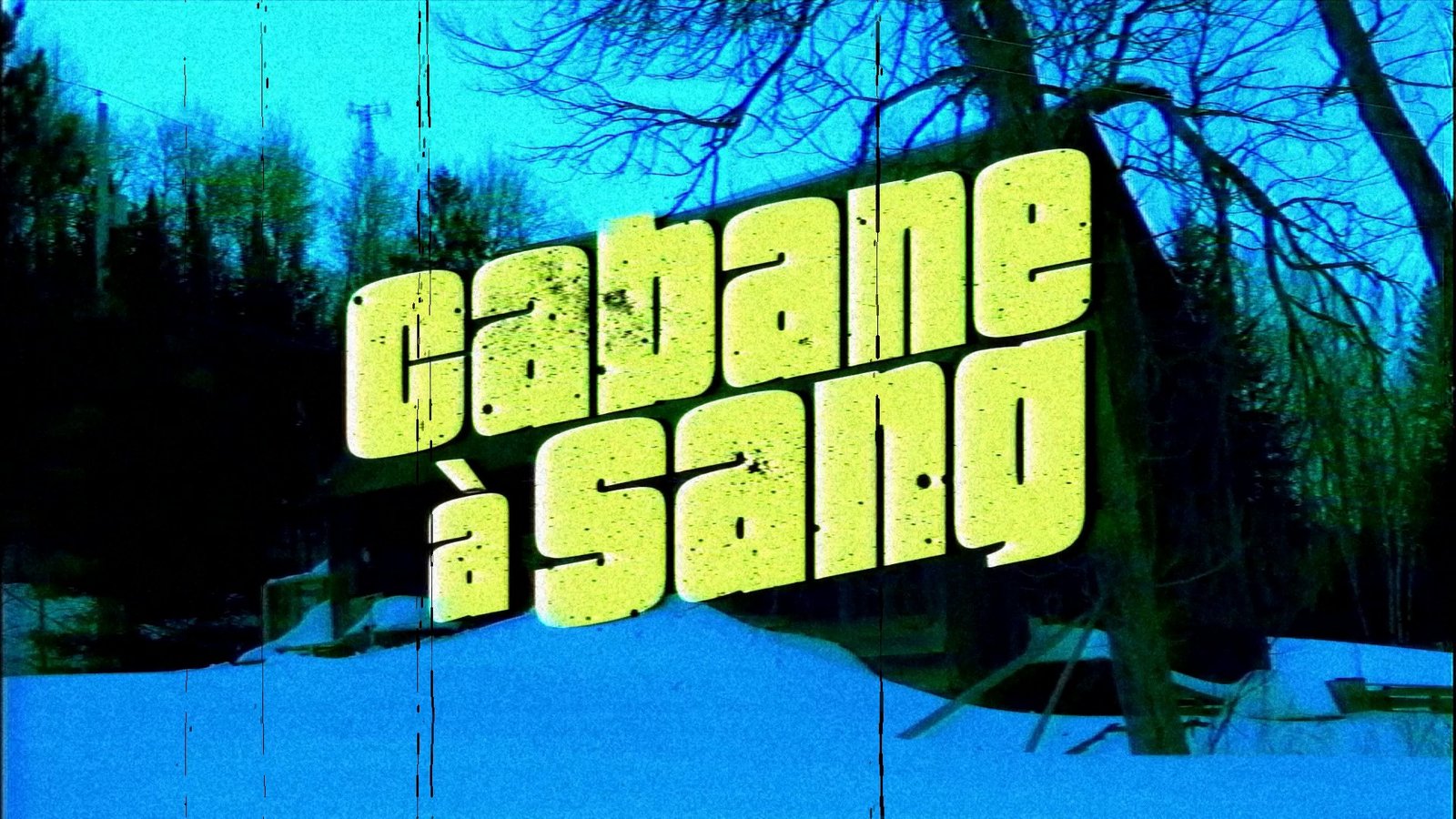
The grindhouse print look: a beaten 35 mm exploitation print with scratches, dirt, burns and faded color, made in Super8 Film Lab.
THE LOOK
The grindhouse print look is the picture of an exploitation movie after a decade on the circuit: a 35 mm release print that has been spliced, run through dirty projectors, shipped between theaters and stored badly. The term comes from urban theaters that ran double and triple bills of low-budget action, horror and crime films, often on prints that had outlived their original runs. Color print stocks of the period fade as dyes degrade, which usually pushes the picture toward magenta or red, with weak blues. Emulsion scratches run vertically through a reel in long lines, because the film is scraped by dirt in the projector path. Splices cause jumps and missing frames, burns appear when a frame stalls in the gate, and cue marks in the upper right corner announce reel changes. Grain is strong because many prints were made from duplicate negatives. Viewers read it as danger, cheapness and thrill, and as proof that a film survived. Editors use it for retro trailers, fake double-feature intros, music video, title cards, horror shorts and album art motion pieces. The trick is to build the damage as layers: grade and fade first, then add dirt that moves as a separate element, so each stays controllable.
WHAT DEFINES IT
Vertical scratch runs, strong and long-lasting, with some short scratches mixed in. Heavy grain, strong. Dirt and hair at frame edges, medium. Burns and torn frames as rare events, heavy. Faded, magenta-tilted color, medium. Exposure flicker, light to medium. Splice jumps are one or two frames, heavy but rare. Keep dirt on its own layer so you can slide it over any cut, and fade color toward warm magenta with a separate grade.
THE ARTIFACTS IN THIS LOOK
THE RECIPE
SUPER8 FILM LAB
SETTINGS Preset APOCALYPTIC, SCRATCHES 55, IMAGE DIRT 40, EDGE DIRT 35, GRAIN 60, BURNS 15, TEARS 10
Begin with the APOCALYPTIC preset and ease it back until faces are readable. Export the dirt as its own layer, because the dirt controls do not combine well with the other effects, then grade the clean pass for faded, warmer color. Keep BURNS and TEARS low and time them to a story beat, since they read as single events. This is a Windows app, not an After Effects plugin.
PAY WHAT YOU CAN $5 SUGGESTED NAME YOUR PRICE
LOOKBOOK
QUESTIONS
- Why do old prints turn pink or red?
- Color print stock uses cyan, magenta and yellow dyes, and the cyan and yellow layers tend to fade faster than magenta in many stocks of that period. The result is a print that drifts magenta or red. Grade your footage toward warm and reduce blue to mimic it.
- What are the marks in the upper right corner?
- They are cue marks, small circles that tell a projectionist when to start the next reel projector. They appear near the end of each reel, and a second mark prompts the changeover. Add them as a short layer at the reel boundary, not through an effect.
- Can I use it for a fake double-feature trailer?
- Yes. Cut the trailer first, then process it, with a title card in a heavy slab or condensed face. Add a splice jump and a burn between segments for realism. Rendering the dirt layer separately makes it easy to reuse across sections.