Super 8 home movie look
The Super 8 home movie look: warm Kodachrome-style color, heavy grain, bloom and gate weave, made in Super8 Film Lab for flashbacks.
THE LOOK
The Super 8 home movie look is the colored, flickering, slightly trembling picture of a family reel projected on a wall. Super 8 film, introduced in 1965, came in a drop-in cartridge that held about 50 feet and ran roughly three minutes at the standard 18 frames per second; 24 fps was available on many cameras for sound work. Kodachrome 40 gave rich reds and deep yellows with fine, tight grain, while Ektachrome stocks leaned cooler with a more open shadow. Because the frame is only about 5.7 by 4.2 millimeters, grain is large when projected, and sharpness depends on the cheap, fixed-focus lenses. Exposure flicker comes from the projector lamp and from variable shutter timing. Gate weave is the small side-to-side and up-and-down wobble caused by film moving through an imprecise pull-down. Highlights bloom, and in some stocks halation puts a red-orange glow around bright points. Viewers read it as childhood memory and sunlit afternoons. It is used for flashbacks, wedding and travel edits, music video, documentary archive, and nostalgic social video. The look suits daylight scenes and faces; keep the dirt and damage quiet unless the film is meant to be old and handled.
WHAT DEFINES IT
Grain is the lead artifact: strong, large and clumpy at 18 fps. Bloom and halation add a warm glow to highlights, medium. Gate weave, light to medium, frame to frame. Exposure flicker, light. Light leaks and edge dirt appear on well-used reels, light unless a story needs them. Color should lean warm with strong reds and yellows, medium. Soft focus and low sharpness belong to the lens, so soften the picture a little before grain.
THE ARTIFACTS IN THIS LOOK
THE RECIPE
SUPER8 FILM LAB
SETTINGS Preset MEDIUM, GRAIN 55, BLOOM 35, HALATION 25, GATE WEAVE 20, EXPOSURE FLICKER 15
Start with the MEDIUM preset and change GRAIN, BLOOM and HALATION first, because they decide the base feel. Keep GATE WEAVE and EXPOSURE FLICKER low so they feel like a projector, not a shake effect. Export any dirt, scratches or light leaks as a separate layer, since the dirt controls do not combine well with the other effects. This is a Windows app, not an After Effects plugin.
PAY WHAT YOU CAN $5 SUGGESTED NAME YOUR PRICE
LOOKBOOK

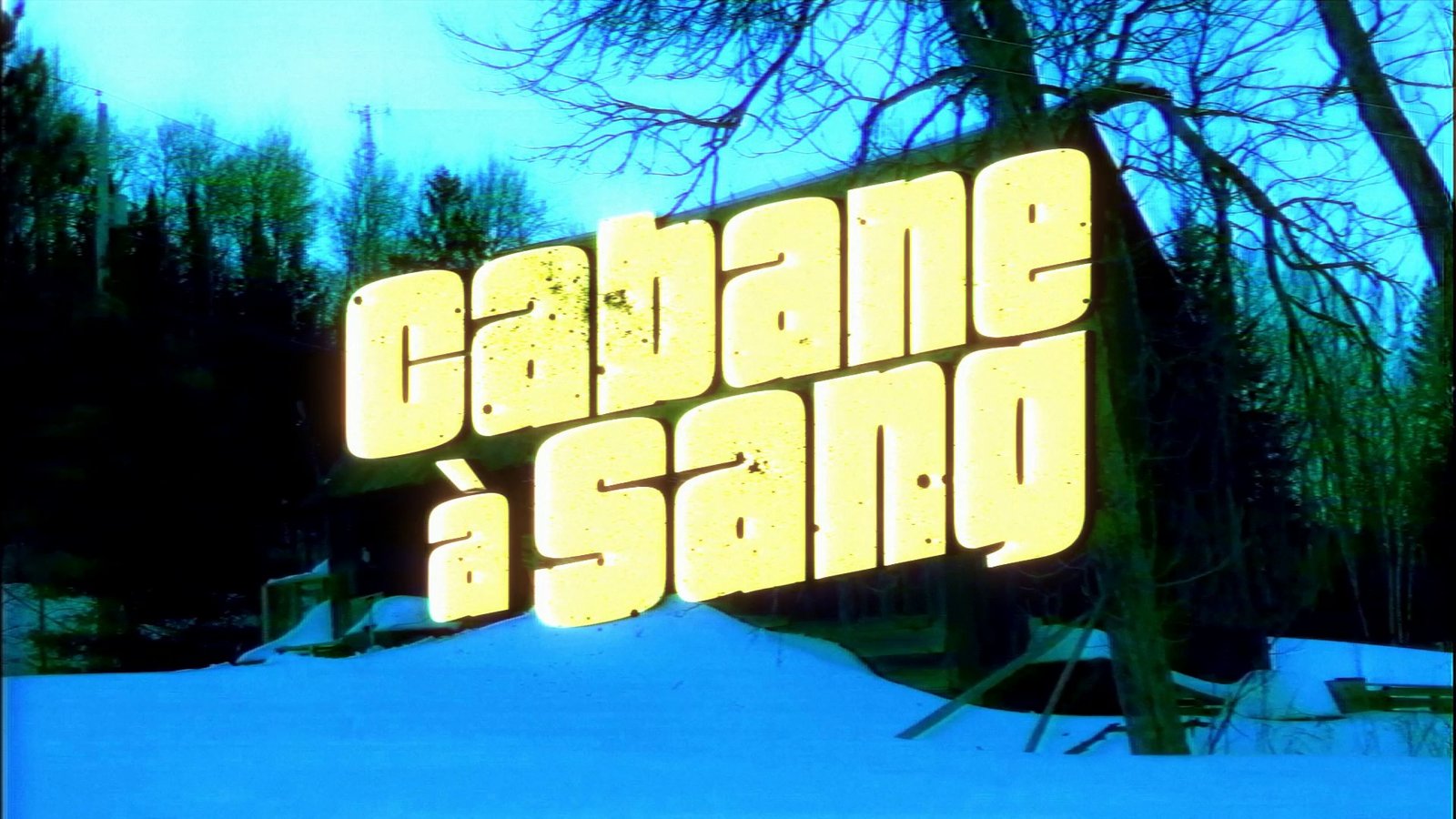
QUESTIONS
- What frame rate suits Super 8?
- Super 8 ran at 18 fps for silent home movies and 24 fps for sync sound. If your edit is 24 fps, you get the sound-era feel. For a silent home-movie feel, 18 fps conforms best. Test with motion, since low rates exaggerate gate weave and flicker.
- How is Super 8 different from a grindhouse print?
- Super 8 is a small format with warm, grainy, home-movie color and gentle instability. A grindhouse print is a worn 35 mm theatrical copy with scratches, splices, fading and reel marks. Their dirt and damage are very different, and so is their intent.
- Can I apply Super8 Film Lab to a clip in After Effects?
- Super8 Film Lab is a separate Windows application that processes your footage, so you render the result and bring it into your project. Process the clip in the app, then composite dirt or other effects as separate layers in After Effects.